Copyright © 2003 Silicon Image Inc. SATARaid User’s Manual
24
Windows NT
Before creating any partitions, RAID sets must first be created using the BIOS RAID Utility. Once the sets have been created,
allow the system to load Windows. Once Windows is running, open the Disk Management window located at:
Control Panel> Administrative Tools> Computer Management> Storage> Disk Management
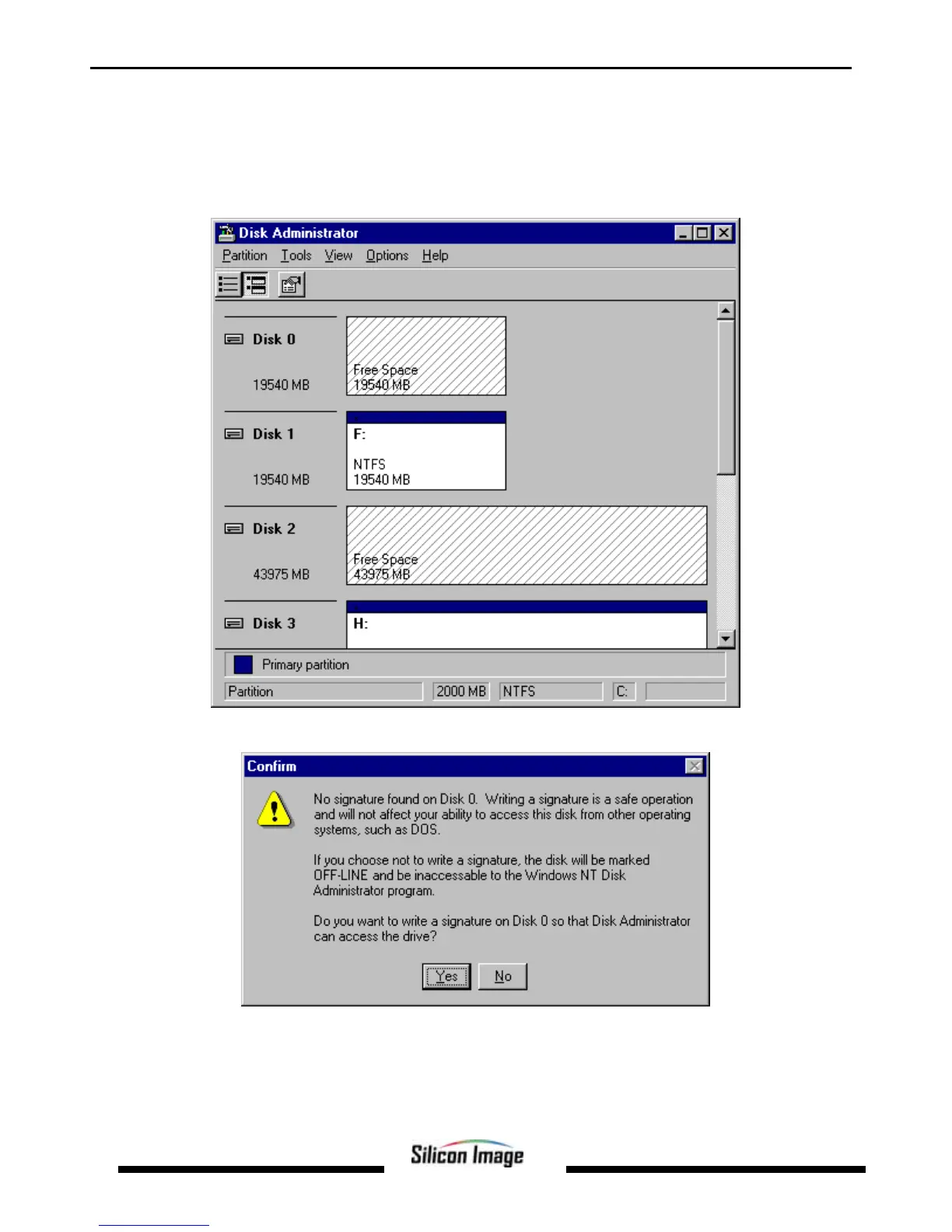
A window similar to the following should appear:
This Write Signature window may appear first: If so, answer YES for each disk reported with no signature found.


 To Next Page