SATARaid User’s Manual Copyright © 2003 Silicon Image Inc.
7
4 JAVA 2 Runtime Environment Installation
The Java 2 Runtime Environment is required for the SATARaid GUI. The Java 2 Runtime Installer and executable package
must be downloaded from the Sun Microsystems website at http://java.sun.com/j2se/downloads.html. The computer must
have an Internet connection set up before installation can proceed.
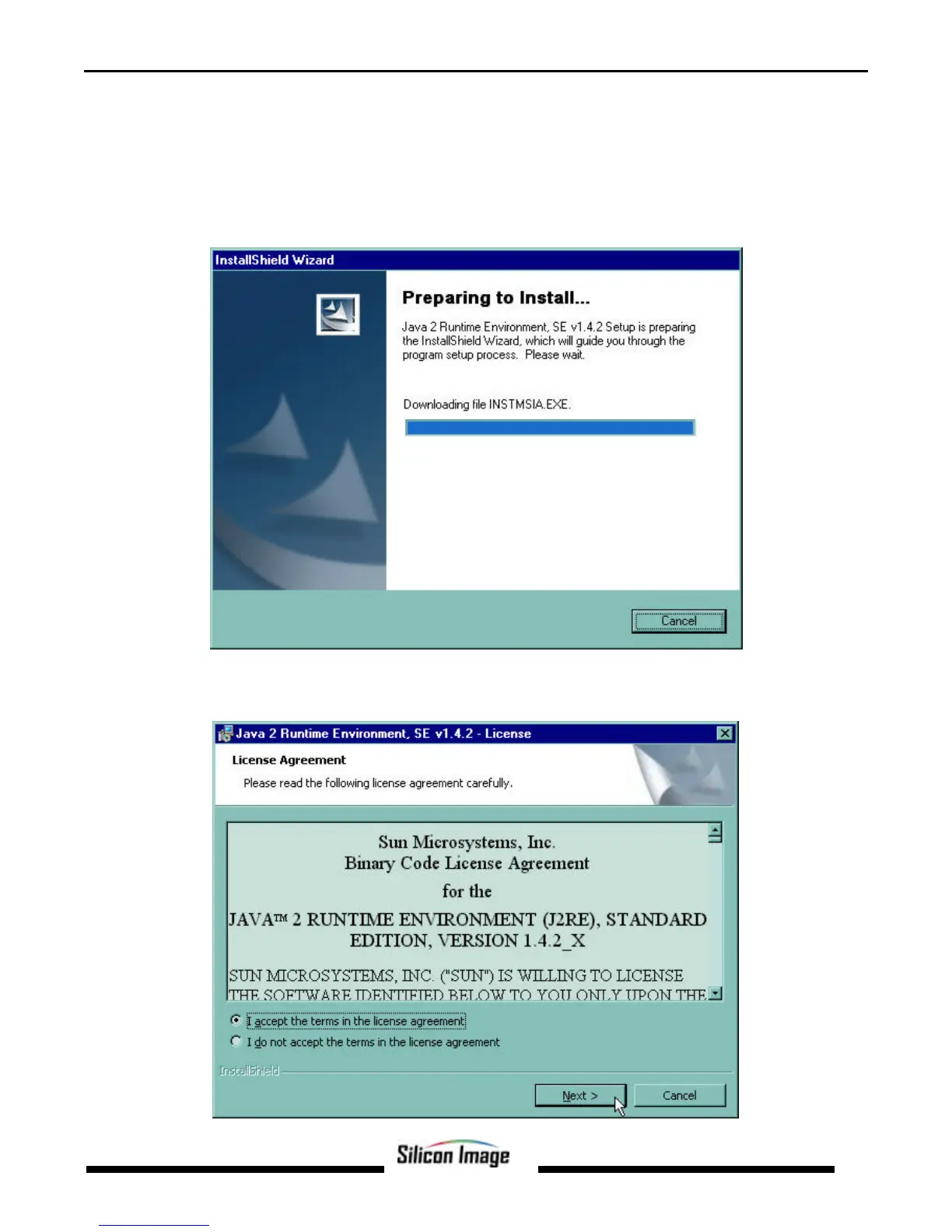
Save the installer file to a known location, such as the My Documents folder. Using Windows Explorer or by clicking on the
My Computer icon on the desktop, select the installation file and open it. The installation will begin. The installer program
will download the needed files from the Internet.
When a window appears asking for acceptance the license agreement, select I accept the terms of this license agreement
and click Next.


 To Next Page