SATARaid User’s Manual Copyright © 2003 Silicon Image Inc.
27
Windows 98 & Me
Windows 98 and Me do not have a Disk Administrator or Disk Management utility. Instead, after creating RAID sets using
the BIOS RAID utility and booting Windows, the partitions must be created using the FDISK program. To invoke FDISK from
within Windows:
1. Click on the START button
2. Select Run...
3. Type fdisk in the Open.. box
4. Click OK
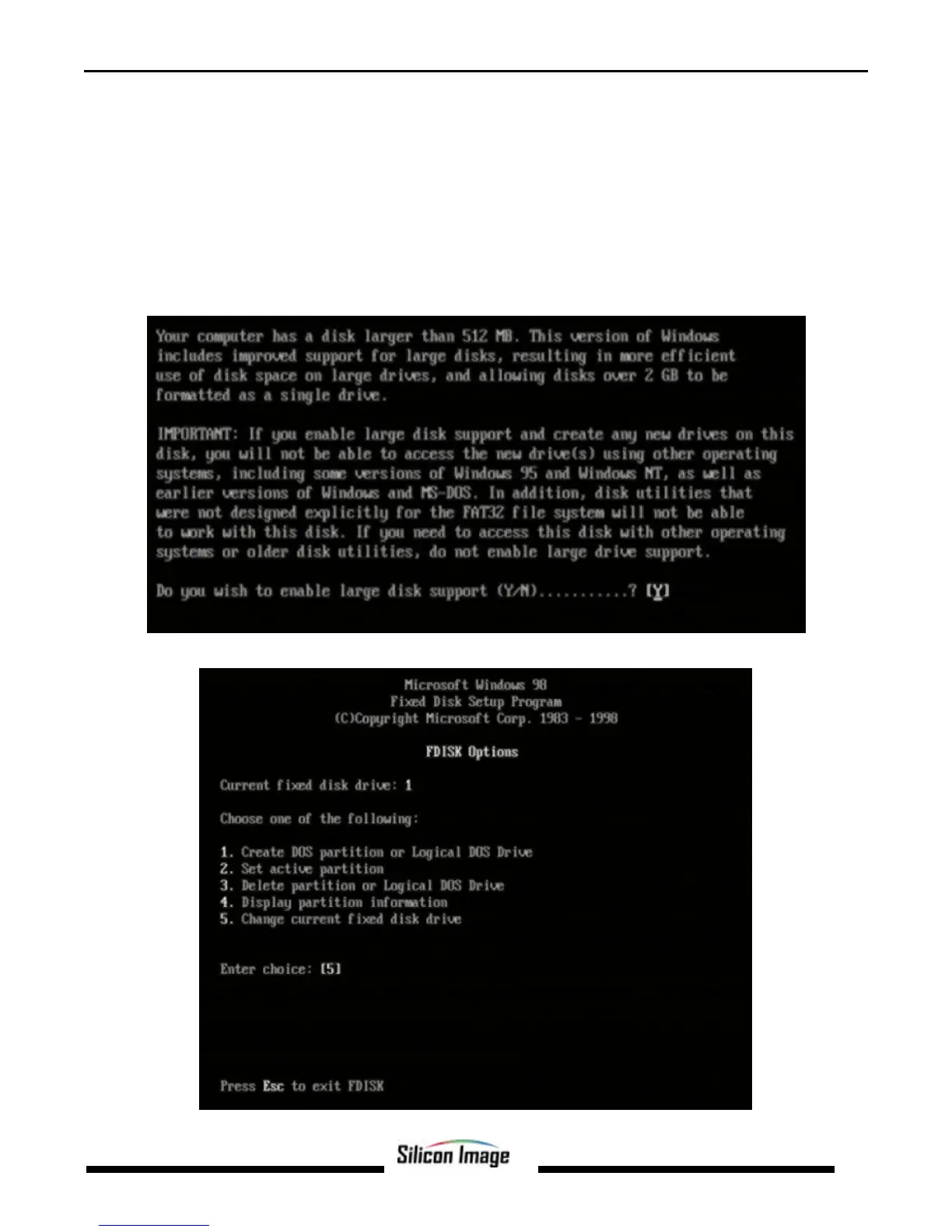
The following window will likely appear:
Press Enter. The FDISK Options window will appear:


 To Next Page