Copyright © 2003 Silicon Image Inc. SATARaid User’s Manual
28
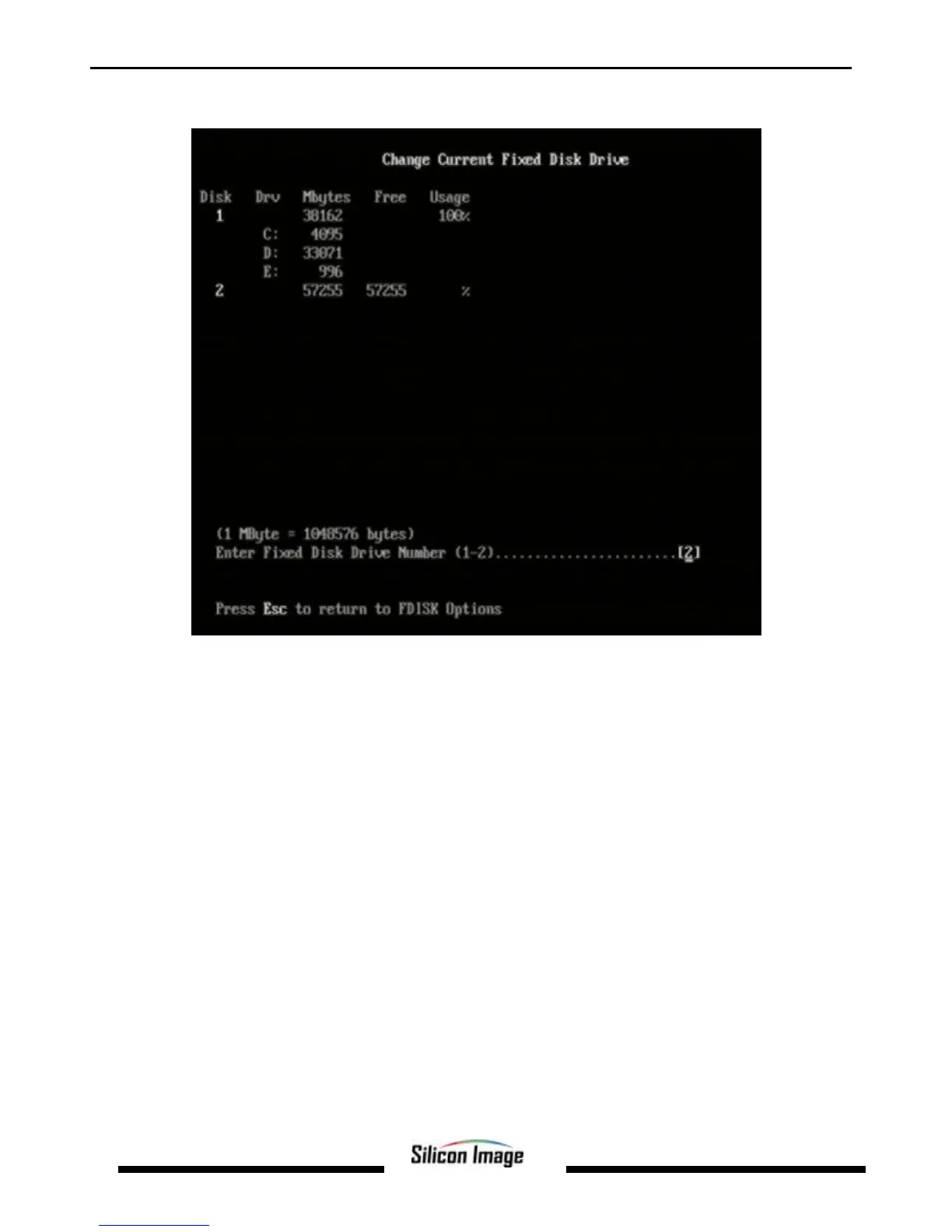
The Current Fixed Drive typically will be the System Drive (C:). In order to create partitions, the fixed drive needs to be
changed. Select 5 and press Enter. A screen similar to the following will appear:
Enter the disk number to partition and press Enter. FDISK will return to the Options screen.
With the Current fixed drive set at the disk needing to be partitioned, Select 1 and press Enter to create the partition on the
drive. The following window will appear:


 To Next Page