Copyright © 2003 Silicon Image Inc. SATARaid User’s Manual
64
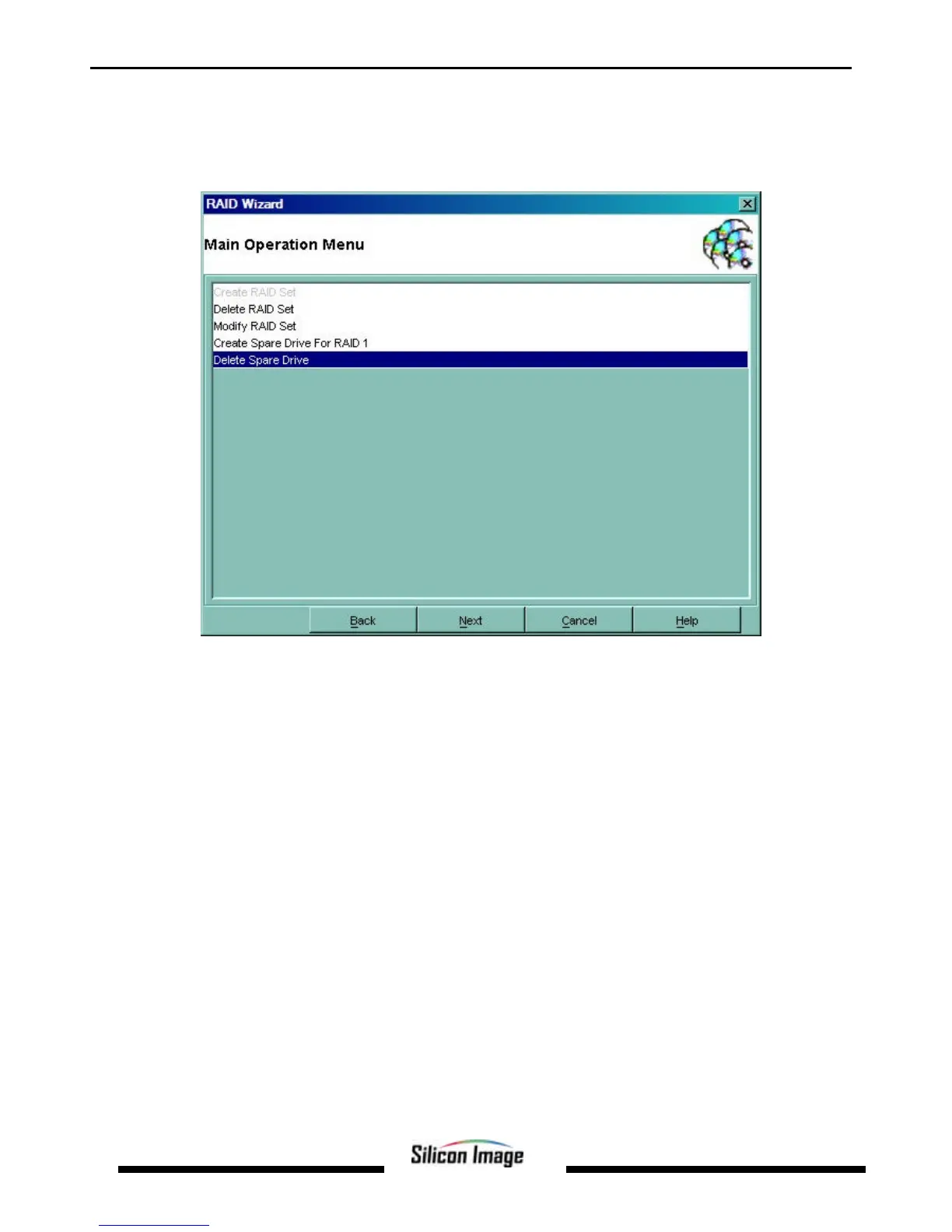
Deleting a Spare RAID 1 Drive
For various reasons it may be desired or necessary to deallocate a RAID 1 spare drive. The following example shows the
deletion of a spare RAID 1 drive.
1. Start the RAID Wizard. Select “Delete Spare Drive” and click Next.
2. Select the drive to be deallocated and click Deselect, then click Next.


 To Next Page