Copyright © 2003 Silicon Image Inc. SATARaid User’s Manual
62
Creating a Spare RAID 1 Drive
Creating a spare RAID 1 drive allows the spare to be quickly added to an existing RAD 1 set in the event of a catastrophic
failure. The following example shows the creation of a RAID 1 spare drive.
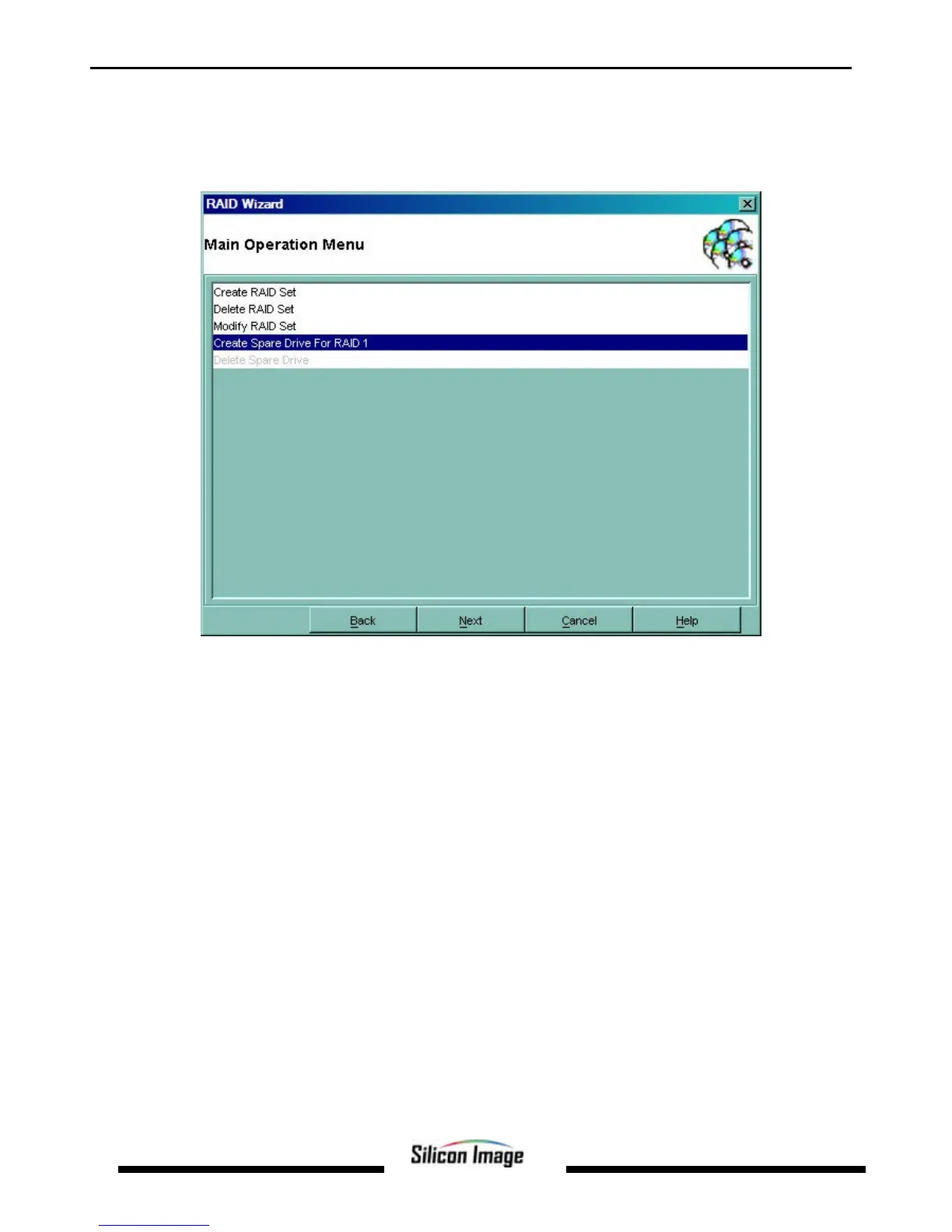
1. Start the RAID Wizard. Select “Create Spare Drive For RAID 1” and click Next.
2. Select the disk to be used to create the spare. Click Select. The drive will be displayed in the Spare Disks window.
Click Next.


 To Next Page