Page 48
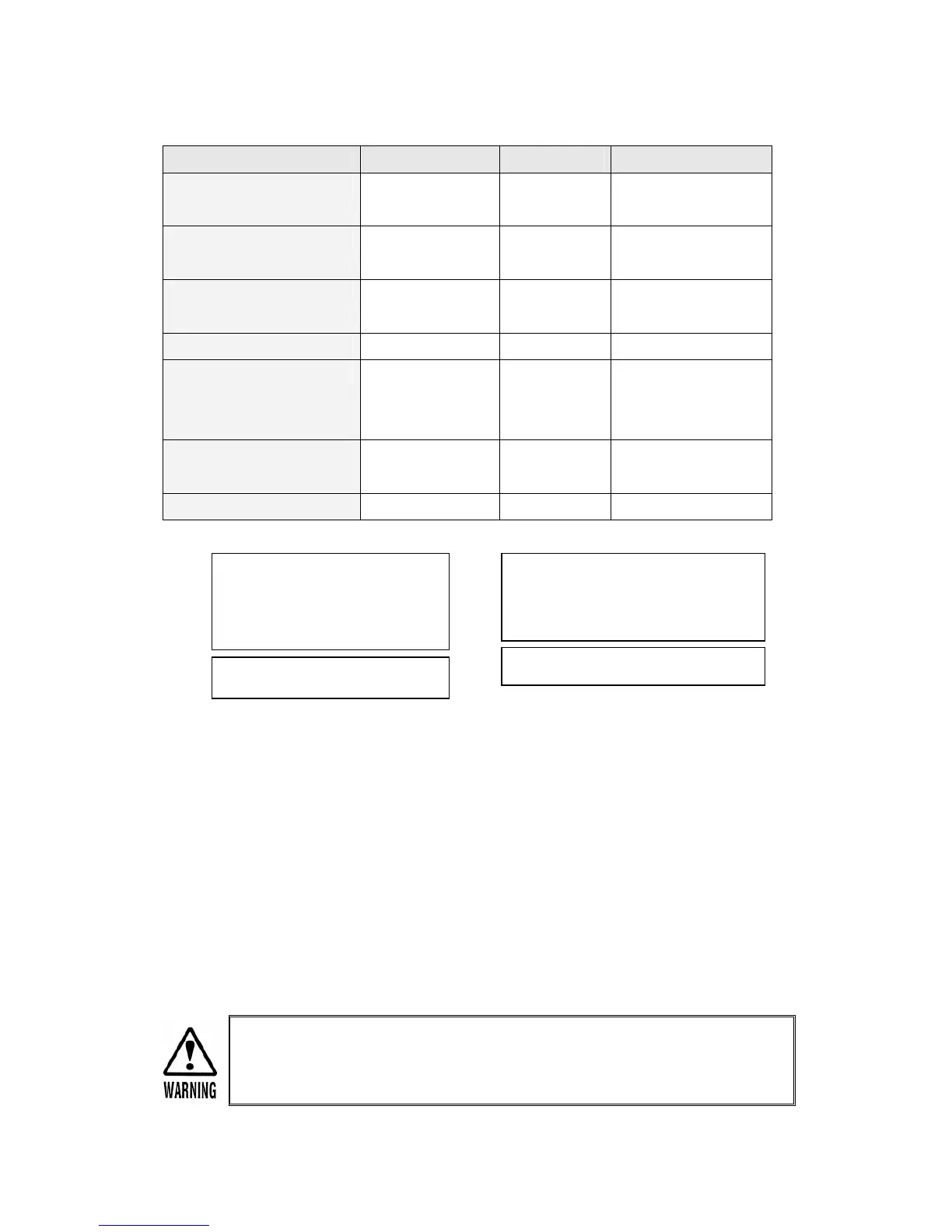
INDICATOR Items (page 45) CONDITION REMARK
Power Pilot Lamps 5 All 4 lamps
ON (Green)
Cycraft Sets OK
Normal LED (Green) 6-1 ON (Green) Will turn off when
driving starts
Driving LED (Green) 6-2 OFF Will turn on when
driving starts
Control Error LED (Red) 6-3 OFF ON @ Error
Safety Sensor LED (Red) 6-4 OFF/ON Will turn on if photo
sensor or floor
sensor is activated.
Seat Belt LED (Red) 6-5 OFF/ON Will turn on if seat
belt is not locked.
LCD Display 7 See below CAN – TCP - NOR
CAN = Control Area Network
TCP = Telephony Connection Protocol or (LAN = Local Area Network)
NOR = Normal Operation (All Systems OK)
The SYSTEM SHUT DOWN Sequence can be initiated at any time by pressing the
red “SYSTEM OFF” button for about 2 seconds. The cabin monitor will turn off and
the cabin will glide down to the nose down rest position. Then, the main powers to
the computers and other components will shut off automatically.
Before turning off the power, MAKE SURE THERE IS NO PERSON OR
OBSTACLE NEAR OR UNDER THE CABIN. The cabin will glide down upon
power off and can cause serious damage or injury.
CAN TCP NOR
1) 43 2) 43 3) 43
LCD Display After Power ON
CAN TCP NOR


 To Next Page