PRE-OPERATION FUNCTION TEST
1323RE&1623RE Operation Manual 6-11 © Jun. 2021
1. Press the drive & steer enable switch, the
indicator light should be lit, and the drive & steer
control mode will be activated.
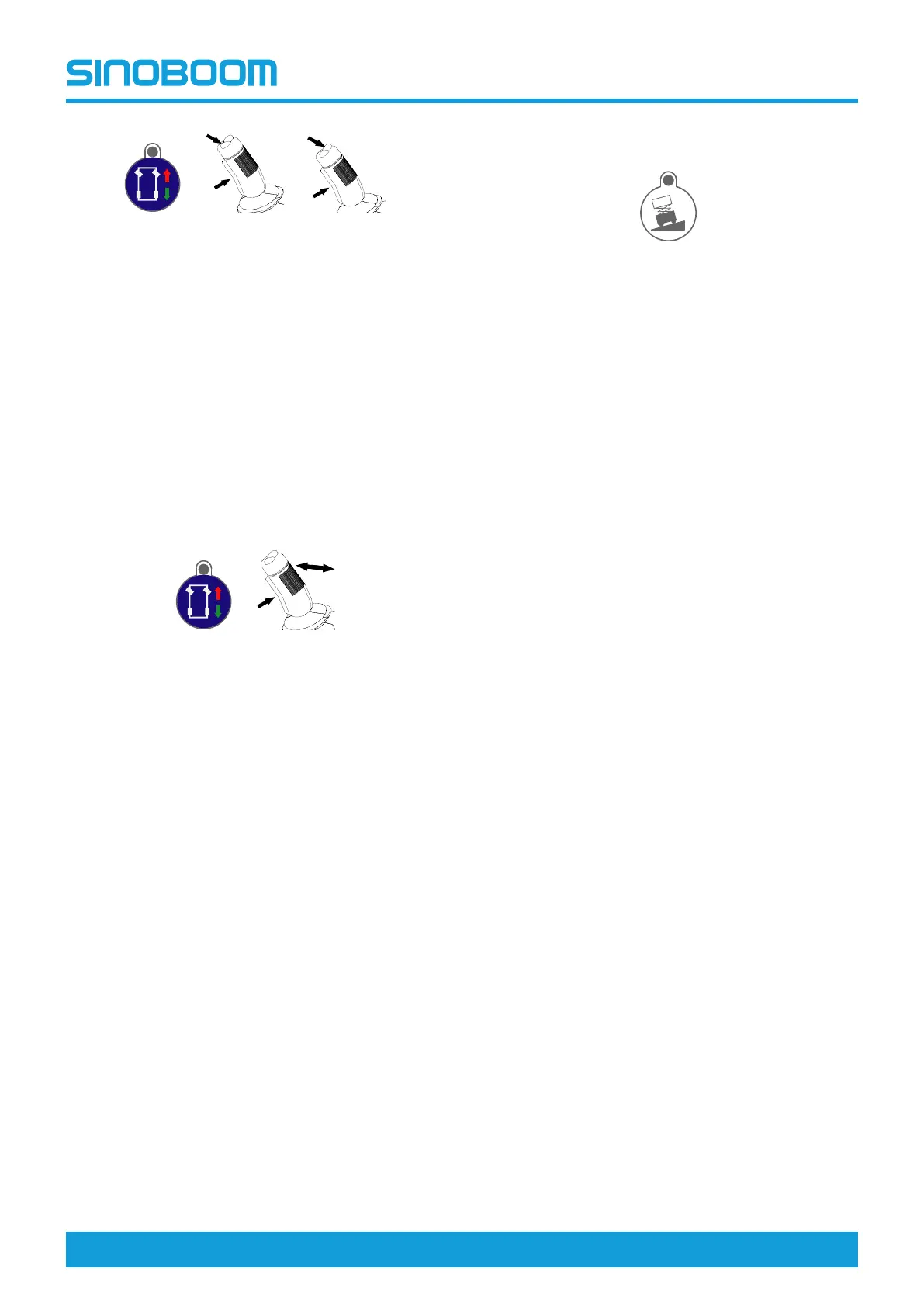
2. Hold the joystick enable switch and press the
steer thumb rocker switch on the left, the wheel
should steer left.
3. Hold the joystick enable switch and press the
steer thumb rocker switch on the right, the wheel
should steer right.
Note: The steering speed is in direct proportion to
the stroke of the joystick.
DRIVE SWITCH
1. Press the drive & steer enable switch, the
indicator light should be lit, and the drive & steer
control mode will be activated.
2. Hold the joystick enable switch and slowly push
forward the joystick, the machine should drive
forward.
3. Release the joystick, the machine should come to
an immediate stop.
4. Hold the joystick enable switch and slowly pull
backward the joystick, the machine should drive
reverse.
5. Release the joystick, the machine should come to
an immediate stop.
Note: The drive speed is in direct proportion to the
stroke of the joystick.
CLIMBING MODE
• Turn the Ground/Platform select switch on ground
controller to Platform position, activate the drive &
steer mode, and press the climbing mode enable
switch, the machine should be switched to the
climbing mode, and the indicator light should be
lit.
Note: When the fore-and-aft inclination of the
machine is beyond 6°, the climbing mode will be
activated automatically.



 To Next Page