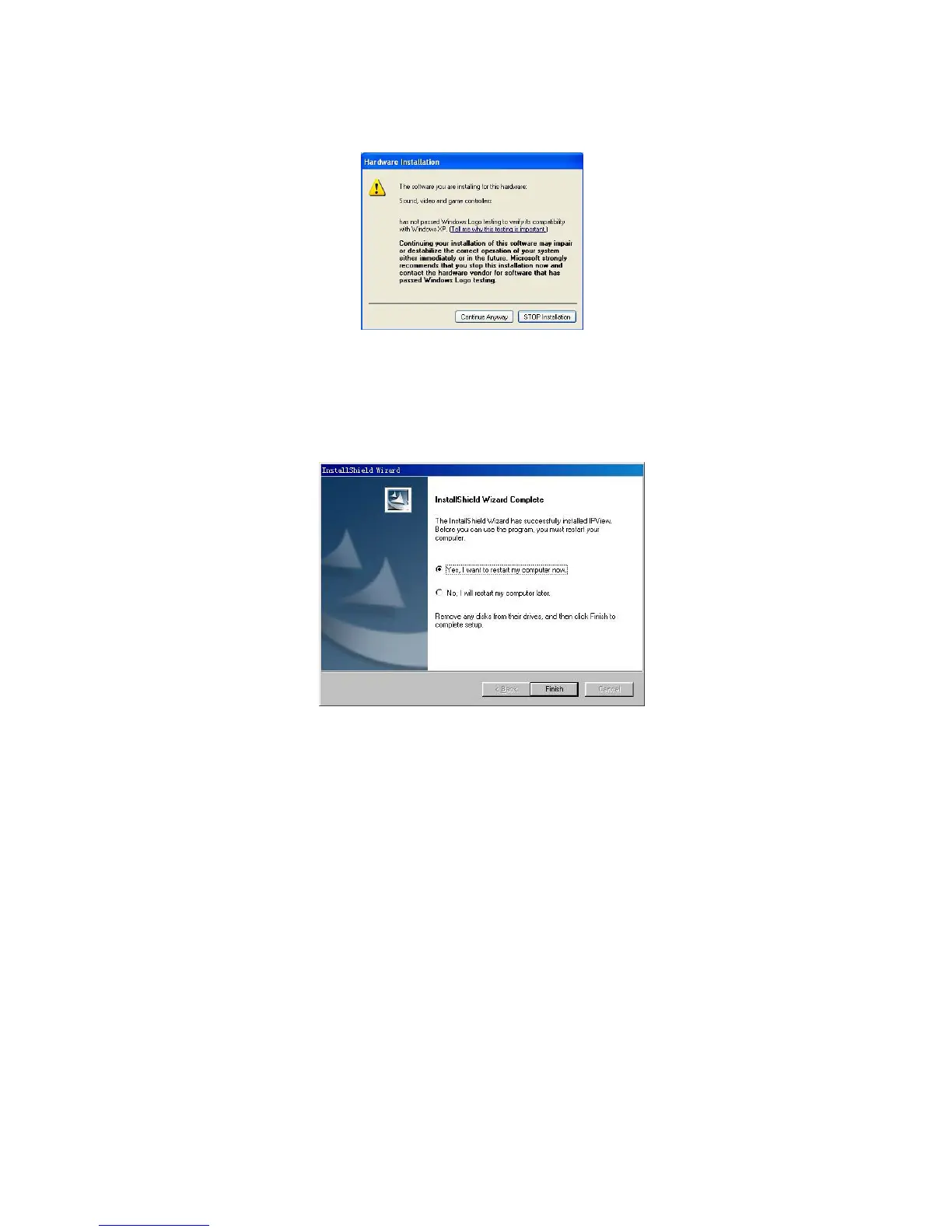
Windows 2000/XP users will see the following
window. Click “Continue anyway” to proceed with
the installation.
Please wait until one of the following two dialog
boxes to appear.
If the system has to restart, select “Yes, I want to
restart my computer now” and click the “Finish”
button to complete the installation procedure.
51



 To Next Page