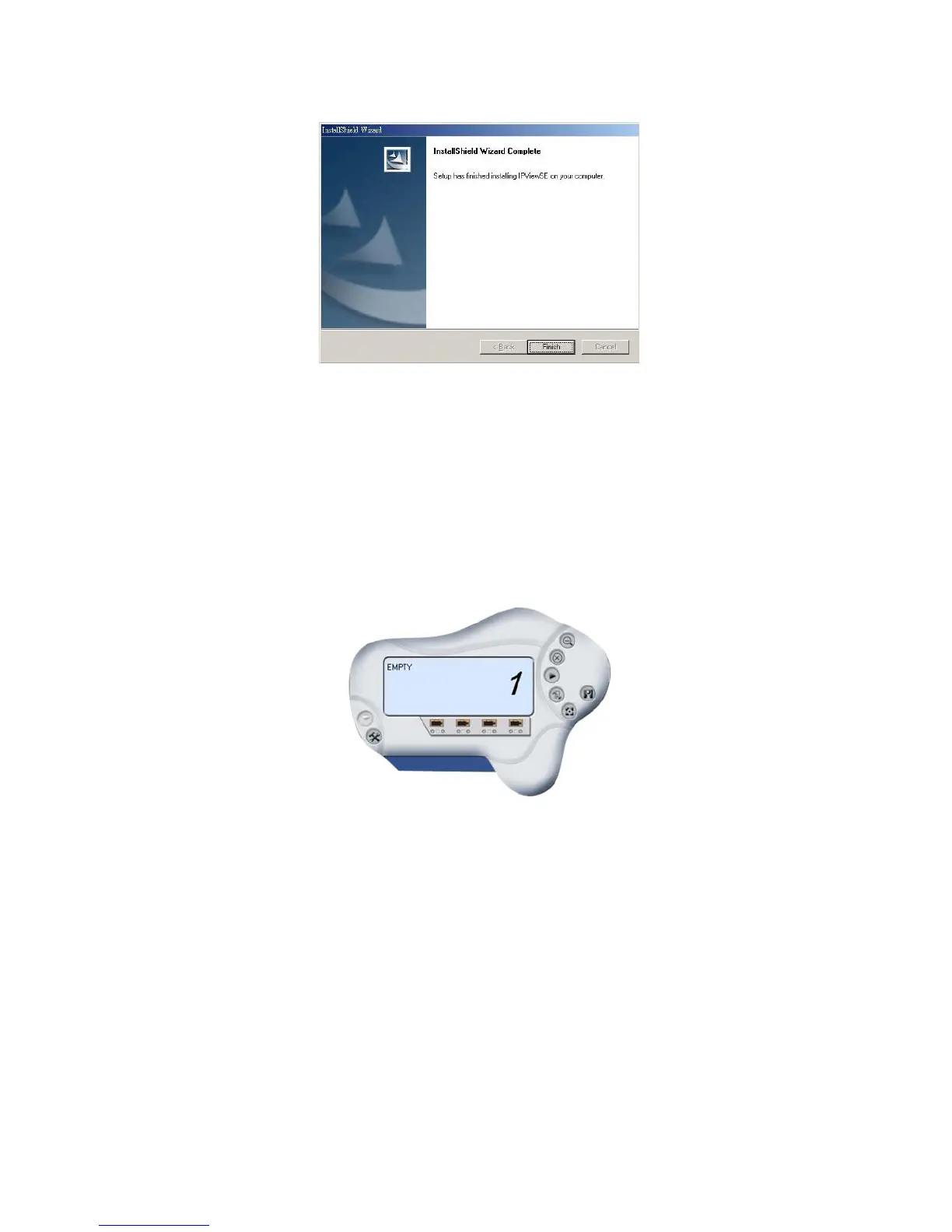
Otherwise, you may simply click the “Finish”
button to complete the installation procedure
52
After successfully installing the IPView SE, the
application program for the Internet Camera is
automatically installed to \Programs\Files directory.
To start running the IPView SE, click Start ->
Programs -> IPView SE -> IPView SE.
Once login, the IPView SE application is executed
and the interface of IPView SE will appear in the
default List View format as bellow:



 To Next Page