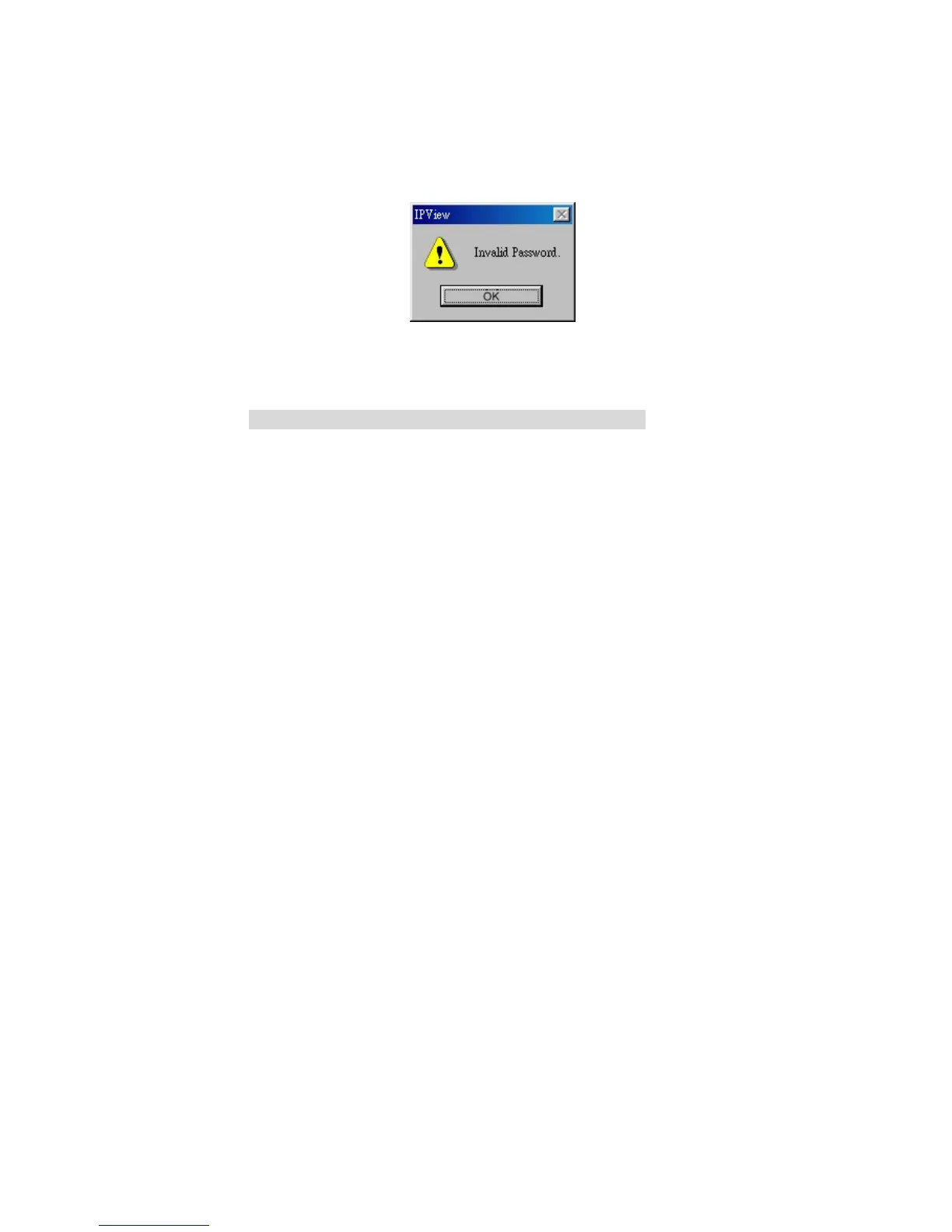
The above dialog box will appear only if administrator
has already set up the User Name and Password in the
Web Configuration setting.
If you forget to highlight the camera you want to add, a
dialog box will appear to notify you of the error.
Make sure to save any changes you have made to keep
the information updated.
Note 2:
You are allowed to add only one camera at a time.
When the user add the Internet Camera, four icons will
appear, including: “Assign IP to Camera”,
“Connect/Disconnect”, “Erase”, “Extra Information”
59



 To Next Page