Wireless Range Extender (WL-130) Configuration
8
2. Enter 192.168.0.254 in the address bar of your web browser to access the Universal
Repeaters configuration page.
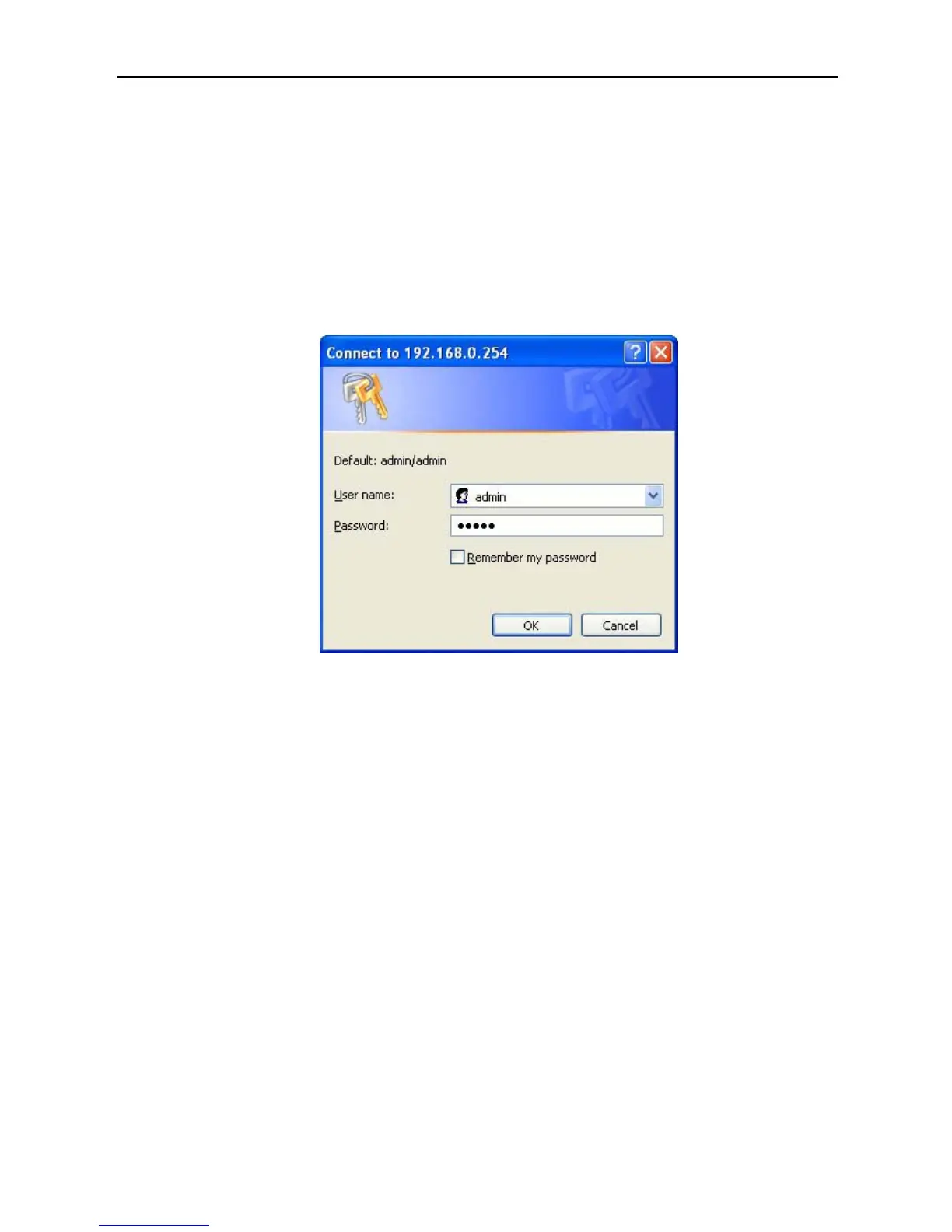
3. A screen will pop up and request you to enter a user name and password. Enter the
following:
User Name: admin
Password: admin
Enter the default user name and password, then press the OK button.
4. You can start configuring the universal Repeater.
From Wireless Station
1. Make sure your wireless station is in the same subnet with the Access Point. Please
refer to the step 1 of chapter 4 (above) for configuring the IP Address and Sub Mask of
the wireless station.
2. Connect to the Access Point.
The WL-130s default ESSID is “Sitecom” and the WEP Encryption function is disabled.
Make sure your wireless station is using the same ESSID as the Access Point and
associate your wireless station to the Access Point.
3. Enter 192.168.0.254 from Web Browser to access the WL-130s configuration page.
4. Enter the user name and password and then press OK button and you are available to
configure the Access Point now. (username/password: admin/admin)



 To Next Page