Wireless Range Extender (WL-130) Configuration
11
Wireless Setting
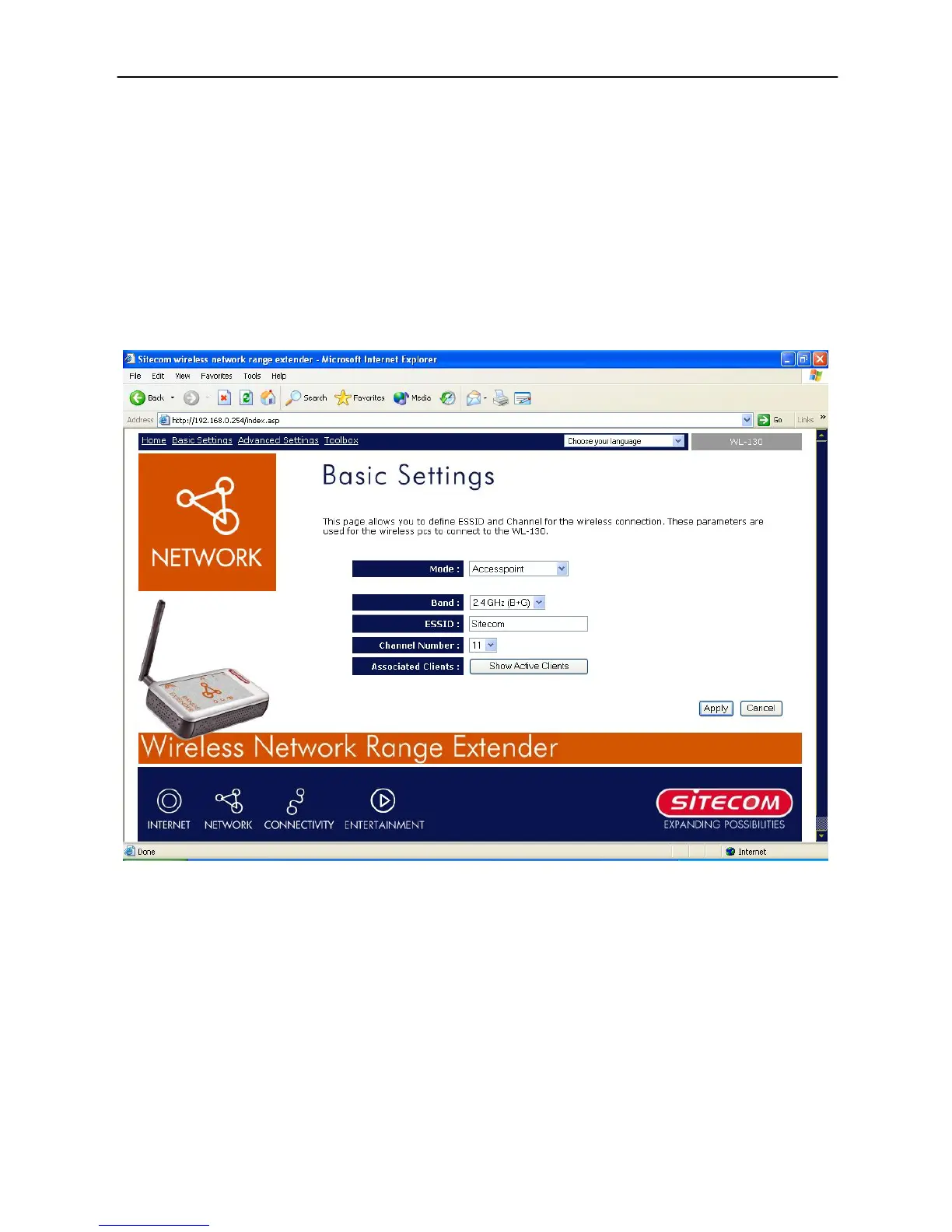
This Access Point supports AP, WDS and Universal Repeater modes. “Accesspoint” provides
pure access point function. The simplest way to build up a wireless LAN is to use “Accesspoint”.
If you want an access point to bridge wired Ethernet network and provide connection service
for other wireless station at the same time, you have to set the access point to “AP Bridge-
WDS mode”. “Universal Repeater Mode” provides the function to act as AP client and AP at the
same time. It can use AP client function to connect to a Root AP and use AP function to service
all wireless stations within its coverage. All the stations within the coverage of this access point
can be bridged to the Root AP. “Universal Repeater Mode” is very convenient to extend the
coverage of your wireless network. The default setting for the WL-130 is “Universal Repeater
Mode”.
AP mode setting page:



 To Next Page