Wireless Range Extender (WL-130) Configuration
24
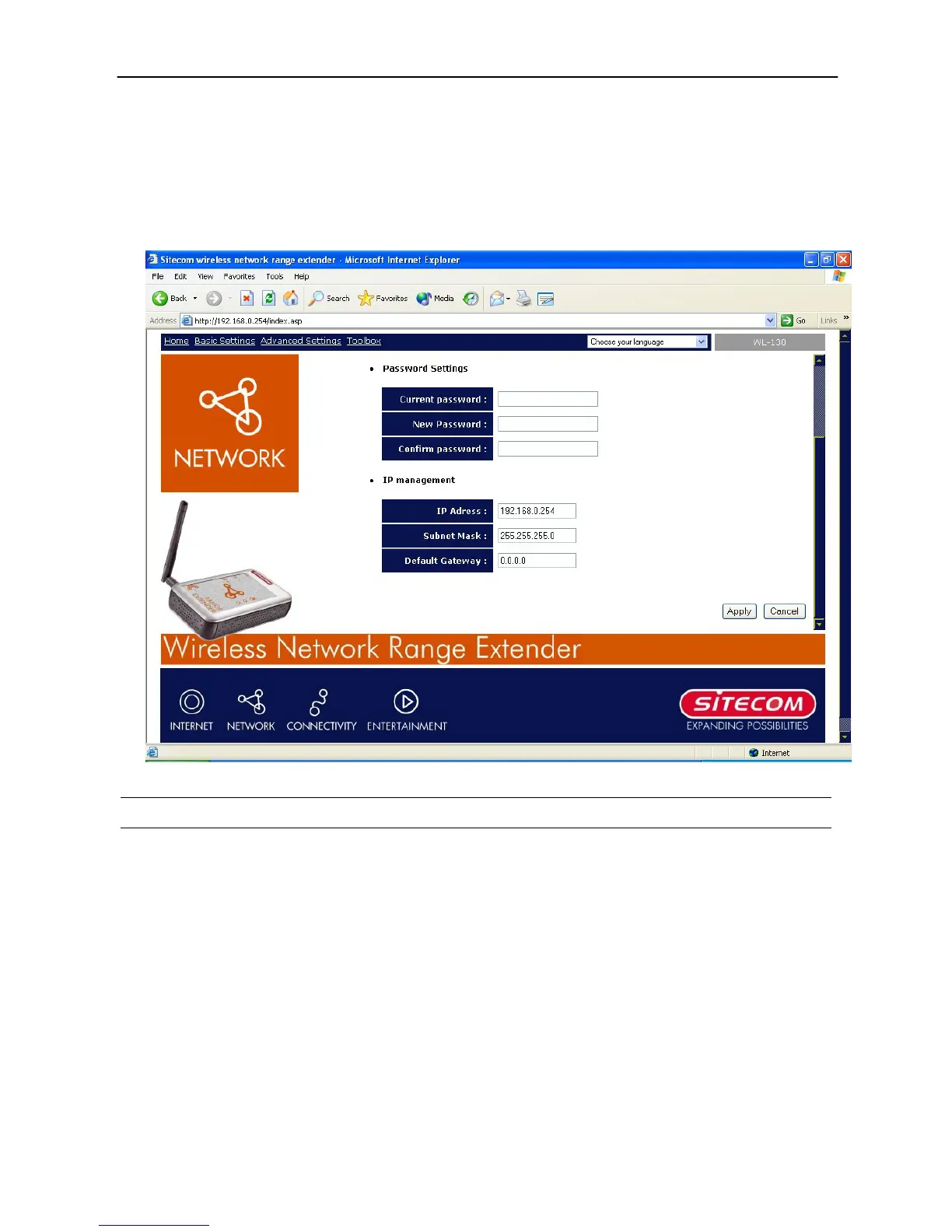
System Utility
From here, you can define the Access Point’s IP Address and Login Password and enable the
Access Point to be a DHCP Server.
Parameter Description
Current Password
Enter the current password (up to 15-digit alphanumeric string)
of the Access Point. The default password for the Access Point is
admin. Note that the password is case-sensitive.
New Password
Enter the password (up to 15-digit alphanumeric string) you
want to login to the Access Point. Note that the password is
case-sensitive.
Re-Enter Password
Reconfirm the password (up to 15-digit alphanumeric string)
you want to login to the Access Point. Note that the password is
case-sensitive.
IP Address
Designate the Access Point’s IP Address. This IP Address should
be unique in your network. The default IP Address is
192.168.0.1.



 To Next Page