Wireless Range Extender (WL-130) Configuration
9
5. Configuring the WL-130
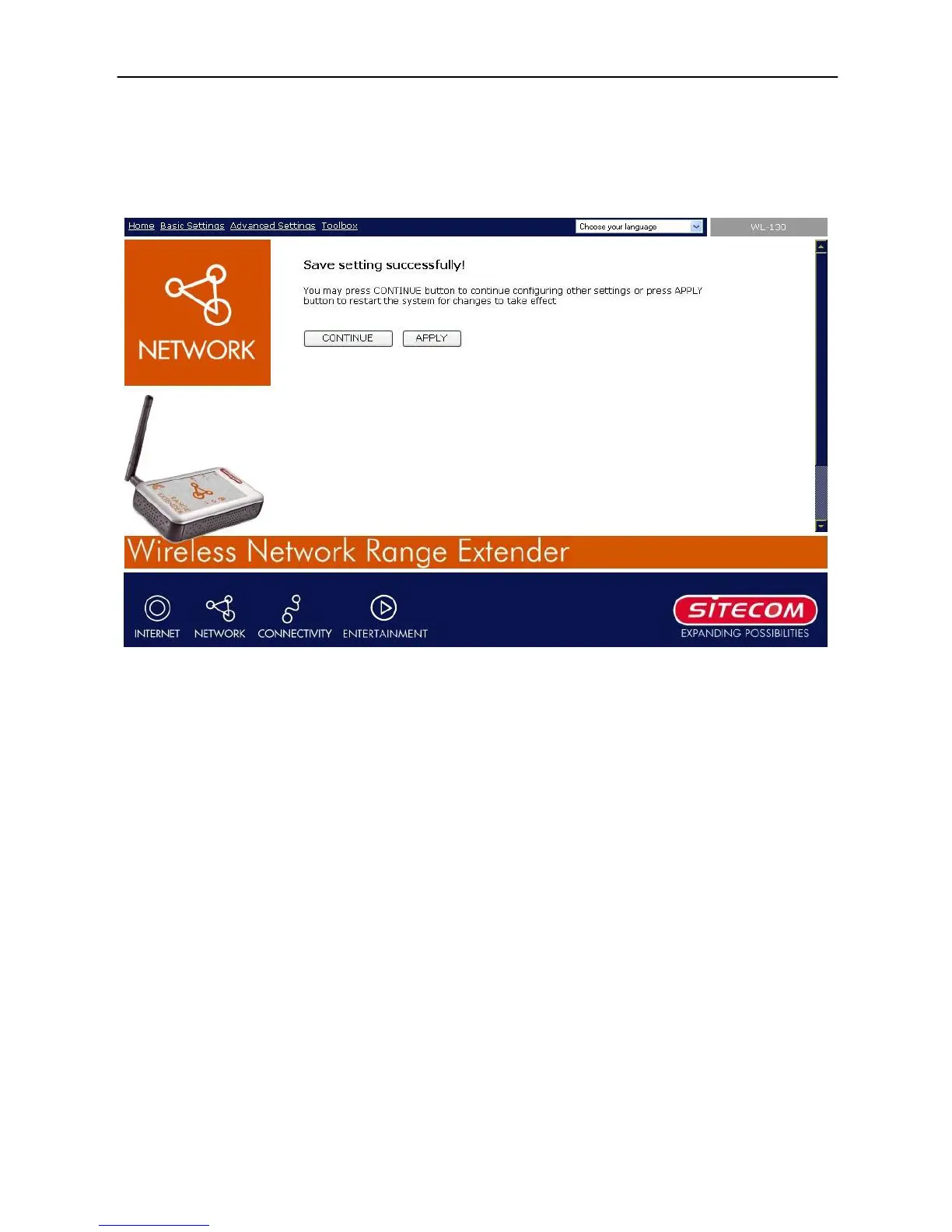
Every time when you have finished modifying a setting page and click “Apply” button, this
page will pop-up. The settings have been successfully saved but will not take effect
immediately. You have to restart the access point to make the new settings take effect. You
can click the “CONTINUE” button to continue changing other settings, or you can also click
“APPLY” to restart the system to make the settings take effect.



 To Next Page