Use and Operation
6-16
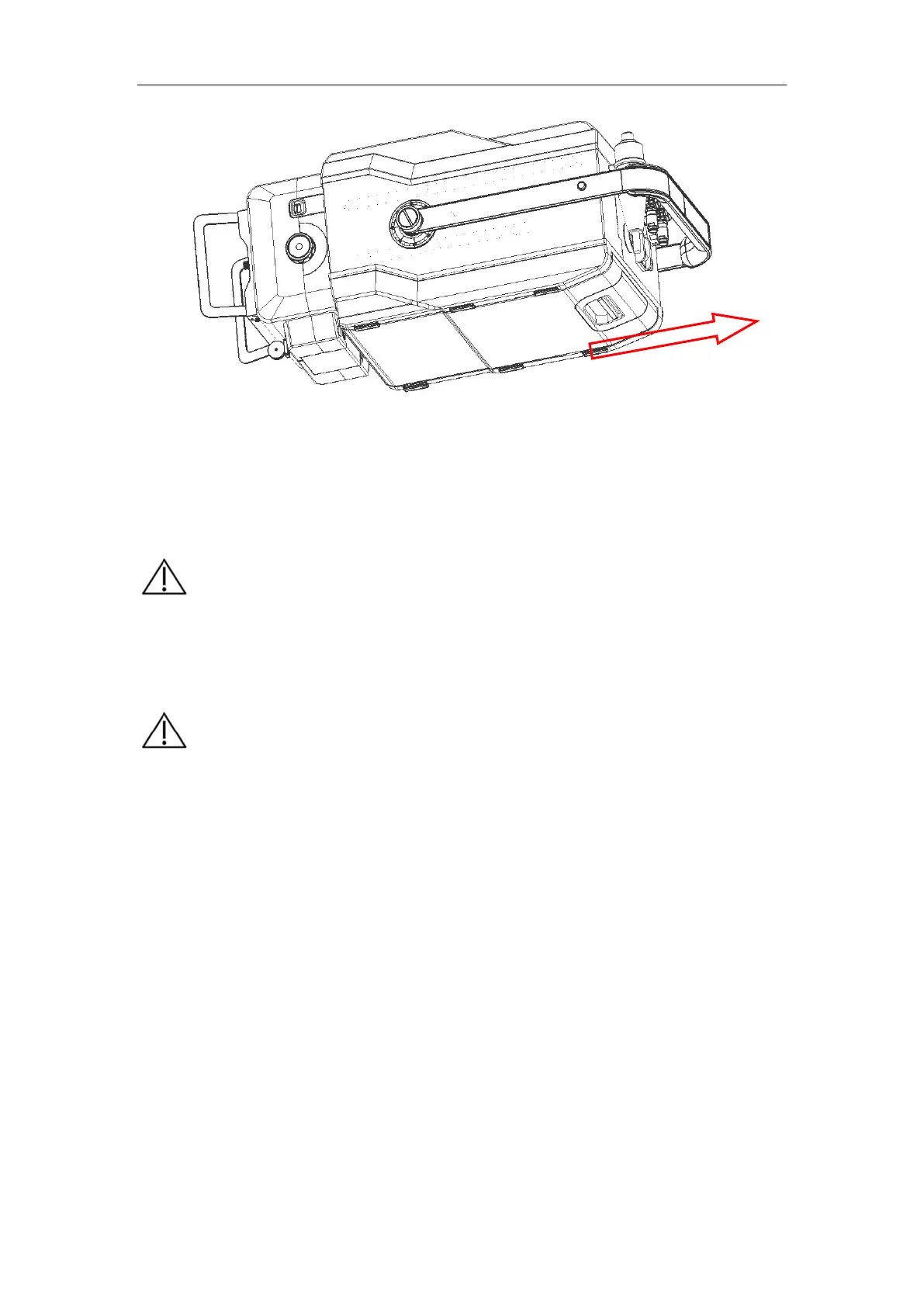
Fig. 6-9
6.6.2 Power requirements for charger
Indicator: Yellow for disconnection or slow charge, or Orange for fast charge, and
Green for full charge.
6.6.3 Charging the battery of the portable X-ray machine
a) As shown in Fig. 6-10, make sure the power switch is toggled to "OFF" state,
otherwise the battery cannot be charged even if the charger is connected.
b) Insert the output terminal of the charger into the battery in port at the device
back, and connect the charger to the mains. Now the charger indicator is orange.
When the battery is fully charged, the charger indicator turns green.
c) The battery can also be removed and directly inserted into the socket of the
portable X-ray machine battery for charging.
【
】
Use the charger manufactured and configured by the company only.
The charging time shall not exceed 12 hours continuously, or it may
cause damage to the lithium-ion battery.
【
】
To prevent battery over discharge resulting in battery damage, if the
device is stored for over 2 months
unused or the battery power
indicator on the control panel shows low power, the battery needs a
recharge.


 To Next Page