Use and Operation
6-10
IP address of the X-ray unit, the
Port, and the display of AP
hotspot and password can be
set;
5. Smart Config can be set in DR
System Mode.
12 Update Program upgrade via USB disk. N/A
13 Version
Display software version, IAP
version, hardware version,
copyright information and
technical support.
N/A
6.2 Power On/Off
6.2.1 How to power on the portable X-ray unit
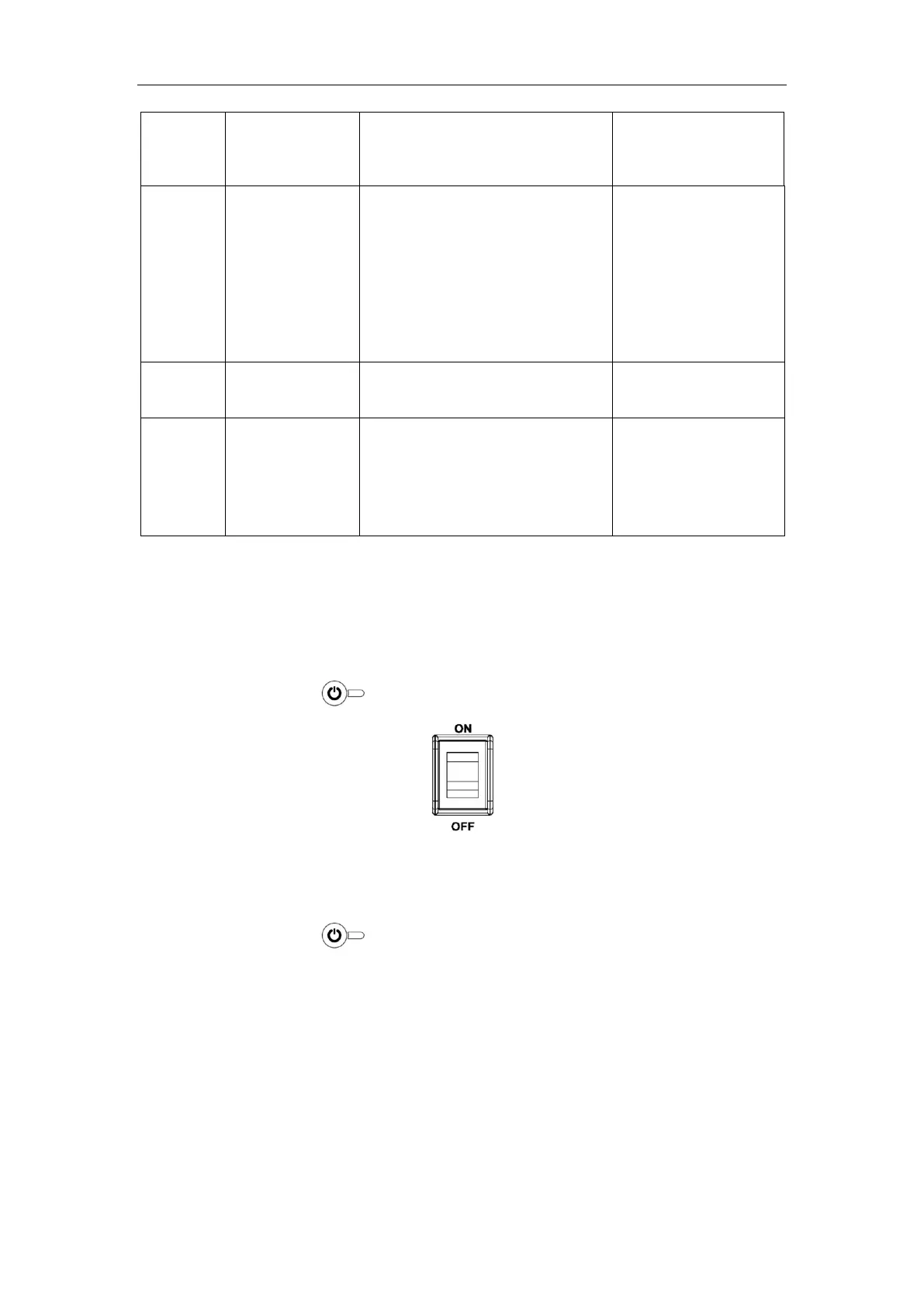
a) As shown in Fig. 6-2, toggle the rocker switch at device back to “ON”.
b) Press the panel button, and the device is in the power-on state.
Fig. 6-2
6.2.2 How to power off the portable X-ray unit
a) Long press the button on the control panel for over 3 seconds, and the
touch screen display of the control panel goes out.
b) Toggle the rocker switch at device back to “OFF”.
6.3 How to Use Exposure Hand Switch
The exposure hand switch is for the operator to achieve the exposure control of the
device. The default exposure mode is the two steps exposure.
The hand switch has two levels, as shown in Fig. 6-3. Press Level 1, and the device is


 To Next Page