Use and Operation
6-11
getting prepared for exposure. When is displayed on the control panel,
press Level 2 of the hand switch, and the device starts to output X-ray,
is
displayed on the control panel till the end of exposure
is displayed on the
control panel. Release the hand switch button at either level, and you may finish the
current operation.
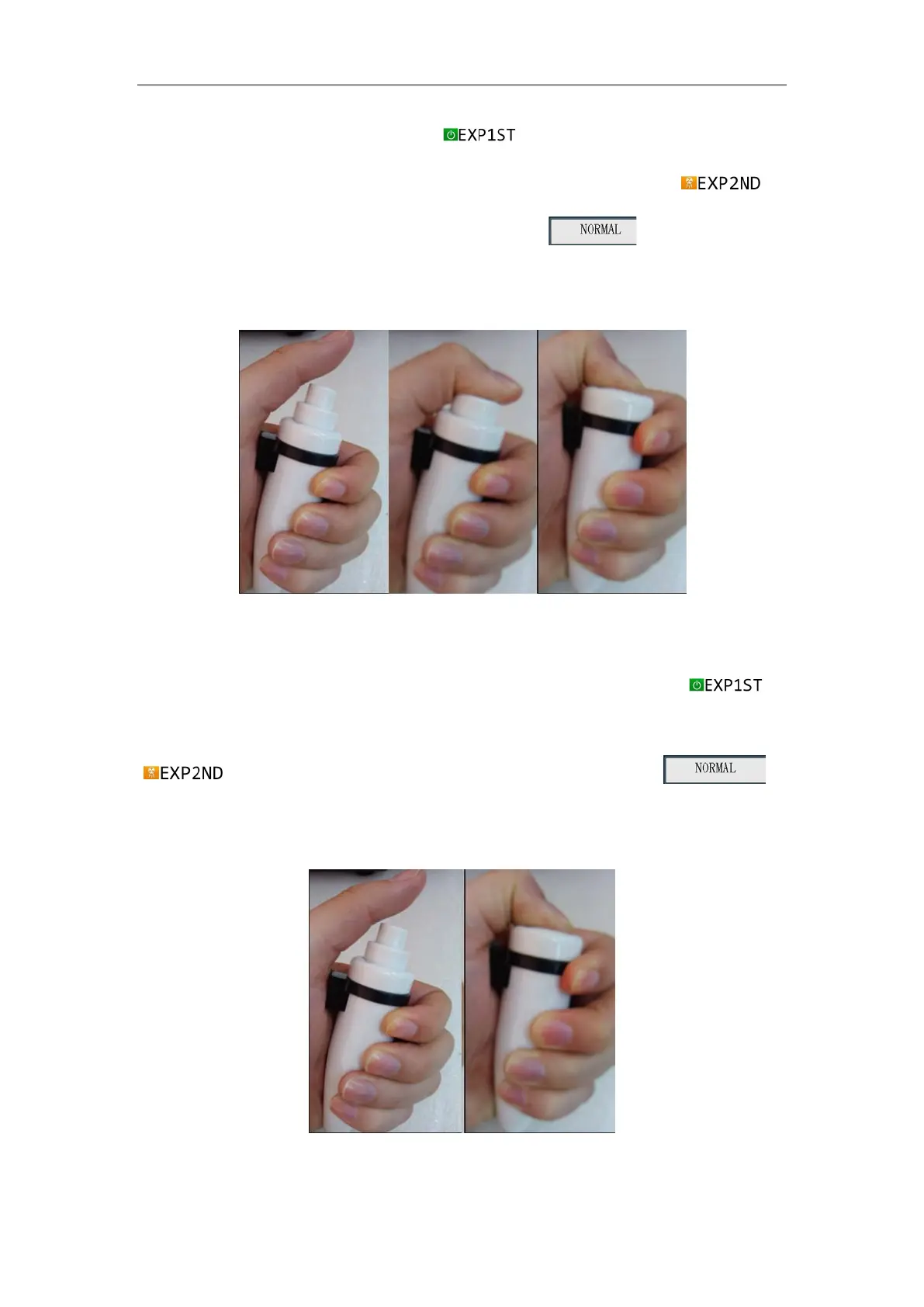
Standby Level 1 (READY) Level 2 (X-RAY)
Fig. 6-3
In one steps exposure., as shown in Fig. 6-4, press Level 2 exposure mode,
is
displayed on the control panel, and the device starts to output X-ray,
is displayed on the control panel till the end of exposure. is
displayed on the control panel. Release the hand switch button at either level, and you
may finish the current operation.
Standby Level 2 (exposure)


 To Next Page