Use and Operation
6-12
Fig. 6-4
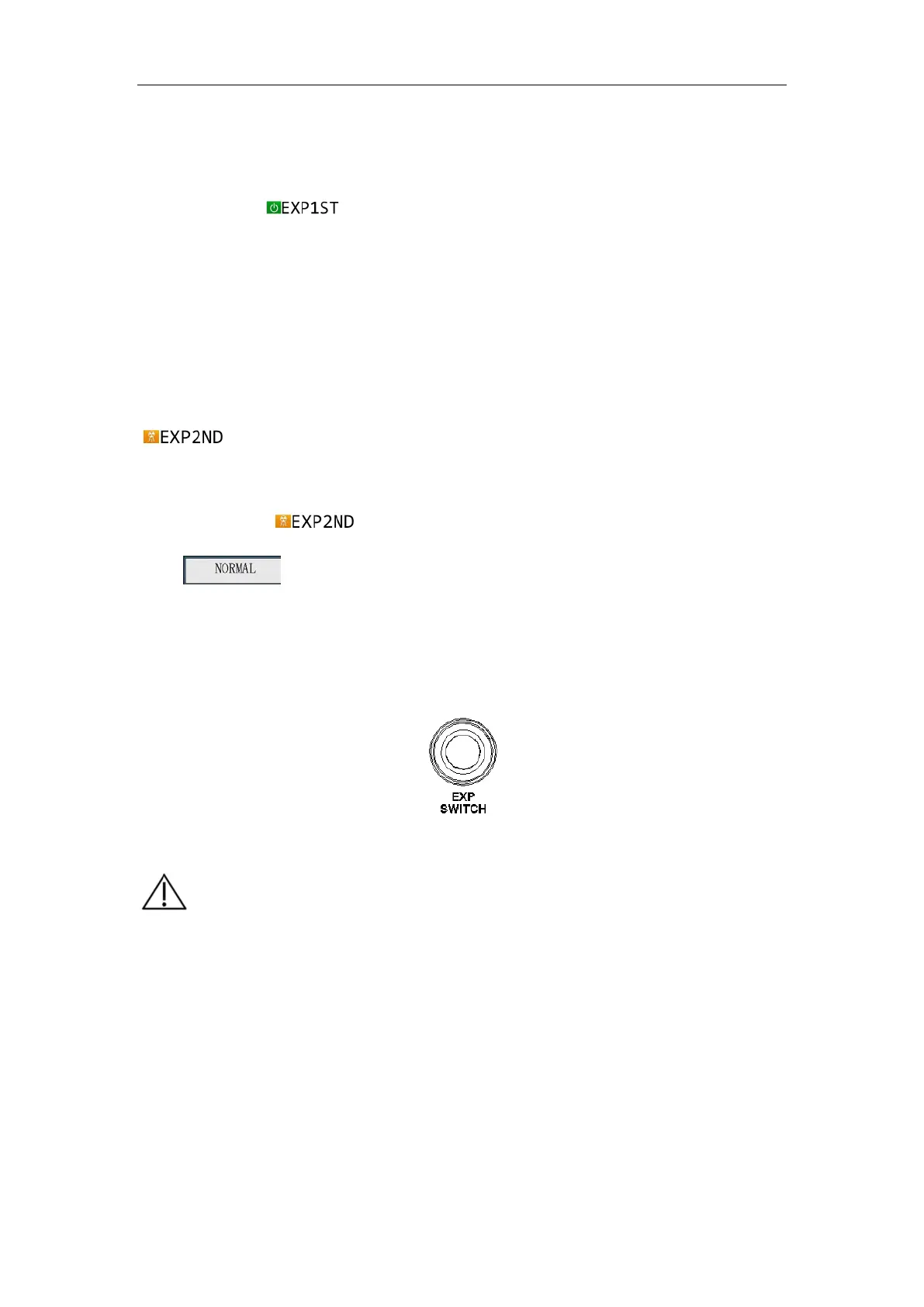
There is a One Step Exposure button on the back cover as shown in Fig. 6-5. Long press
it for 2 seconds,
is displayed on the control panel; press the exposure button
again within the set time (2~15 seconds, and 5 seconds by default), and the exposure is
triggered; if the second press is not performed within the set time, the exposure is
canceled; when the exposure is triggered, the exposure countdown is entered, the
exposure delay is 0 to 60 seconds, the default is 5 seconds, 0 is no delay, that is, the
second press of the exposure button will perform the exposure immediately,
is displayed on the control panel; if it is not 0, the exposure is triggered, “Exp
after XX seconds” is displayed on the control panel., and the exposure starts at the end of
the READY time.
is displayed on the control panel. After the exposure is
over,
is displayed on the control panel.
For the preparation time and exposure delay setup of One Step Exposure, see " Timing of
One-key Exposure " in Engineering Mode of
6.1.3 Engineering Mode Function and
Operation.
Fig. 6-5
【
】
a) Wait for 5s between two consecutive exposure operations and
expose according to 1:60 exposure time, otherwise normal
exposure cannot be performed. If you operate the exposure, you
will be prompted "Preparing…" during the exposure
interval.When the exposure interval has been timed out, you can
be exposed normally.
b) When the portable X-ray machine is turned on for a period of
time and if no operation is performed, it will enter the sleep state.


 To Next Page