Use and Operation
6-19
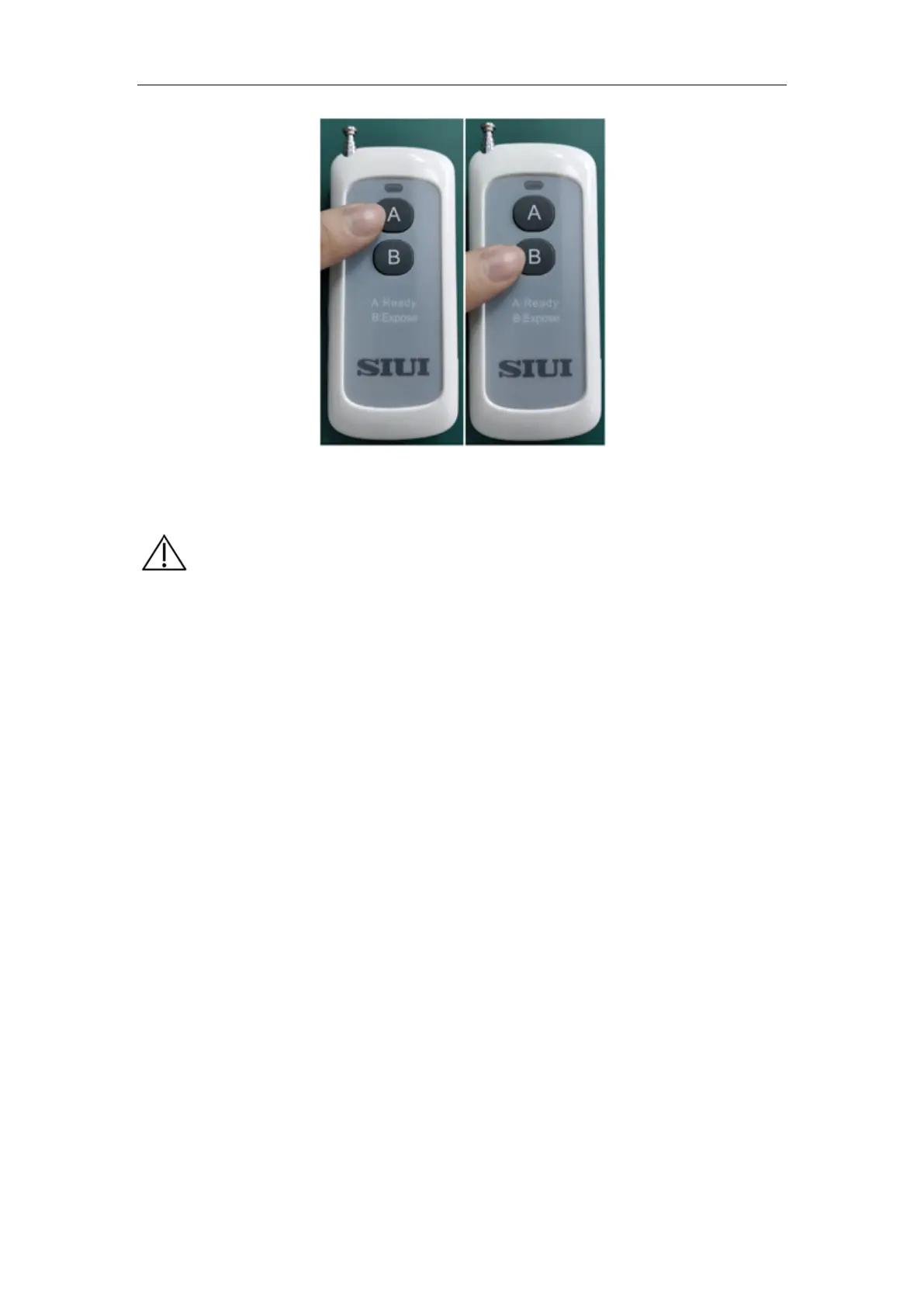
Press the "A" key Press the "B" key
Fig. 6-12
【
】
a) Wait for 5s between two consecutive exposure operations and
expose according to 1:60 exposure time, otherwise normal
exposure cannot be performed. If you operate the exposure, you
will be prompted "Preparing…" during the exposure
interval.When the exposure interval has been timed out, you can
be exposed normally.
b) When the portable X-ray machine is turned on for a period of
time and if no operation is performed, it will enter the blank
screen. You can change the time of "Timing of Screen Blank" in
Engineering Mode in 6.1.3 "Engineering Mode Function and
Operation".
c) There is an icon in the upper right of the portable X-ray machine
for power display.
When the power is low, recharge is required
in time. Make sure that the power switch on the back of the
portable X-ray machine is OFF.
d) To protect the X-ray machine, the intelligent protection system
will impose some restrictions during exposure. If the remaining
battery level is displayed in one block and orange, the available


 To Next Page