MK15E User Manual V1.1
41
2022 SIYI Technology, All Rights Reserved
About System Settings
Bind: Check current binding status or start binding on transmitter.
Adapt Frequency.: Search and switch to the frequency band with lowest interference
automatically.
Throttle: Switch throttle types among Mode 1, Mode 2, Mode 3, and Custom.
Production Date: Not implemented yet.
3.3.1 Bind
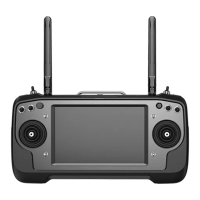
Please follow the steps below to bind MK15E transmitter with MK15E Air Unit.
1. In “SIYI TX” application, go to “System” page, then touch “Bind - Start”.
2. Transmitter status indictor will turn to “Red Fast Blinking”. In “Bind” menu, it
displays “Binding”.
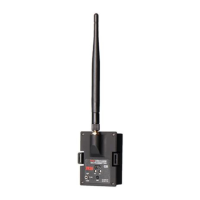
3. Press and hold the binding button on MK15 Air Unit for about two seconds, Air
Unit status indicator will turn to “Red Fast Blinking” as well.
4. Please wait for 5 to 10 seconds till both transmitter and Air Unit status indicators
turn to “Solid Green”. Binding is done.
3.3.2 Frequency Self-Adapting
In strong-interference environment, turn on the function, MK15E transmitter will
automatically search for the frequency band with lowest interference to get the best
transmission quality.


 To Next Page