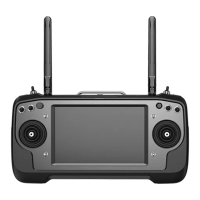
MK15E User Manual V1.1
69
2022 SIYI Technology, All Rights Reserved
6 IMAGE TRANSMISSION
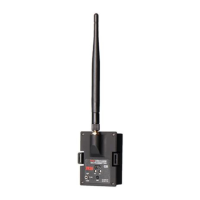
MK15E Air Unit supports maximum 1080p @ 60 fps and average 180ms low-latency
HD image transmission. It connects to most IP cameras and pods on market and
can connect to HDMI cameras/pods through an HDMI converter.
Please refer to the diagram in Chapter 1.5 of this manual to connect your SIYI IP
Camera, Third-Party IP Camera/Pod, or HDMI Camera/Pod with MK15E Air Unit.
Then follow the steps below to acquire image transmission display.
6.1 Using SIYI IP Cameras
Open SIYI FPV app, in a brand new MK15E system you can check video display
without any settings after powering on the system.
6.2 Using Third-Party IP Cameras / Pods
Before connecting a third-party camera or pod to MK15E Air Unit, please change
its IP address to “192.168.144.X”.
Mark
The X should not be “11”, “12”, or “20”, otherwise it won’t work. The three addresses have
been occupied by MK15E Air Unit, MK15E transmitter, and the Android system.


 To Next Page