MK15E User Manual V1.1
47
2022 SIYI Technology, All Rights Reserved
About Buttons
Lock (Self-Locking): After pressing, the button will bounce back but the channel will keep
outputting 100. Press the button again to reset channel output to 0.
Reset (Self-Reset): Press and hold the button, the channel will output 100. Release the button,
channel output resets to 0.
Mark
Press and hold the button, which means the channel outputs 100, LED under the button will
light on. If the button is under “Self-Locking” status, the LED will be on still until the next
pressing.
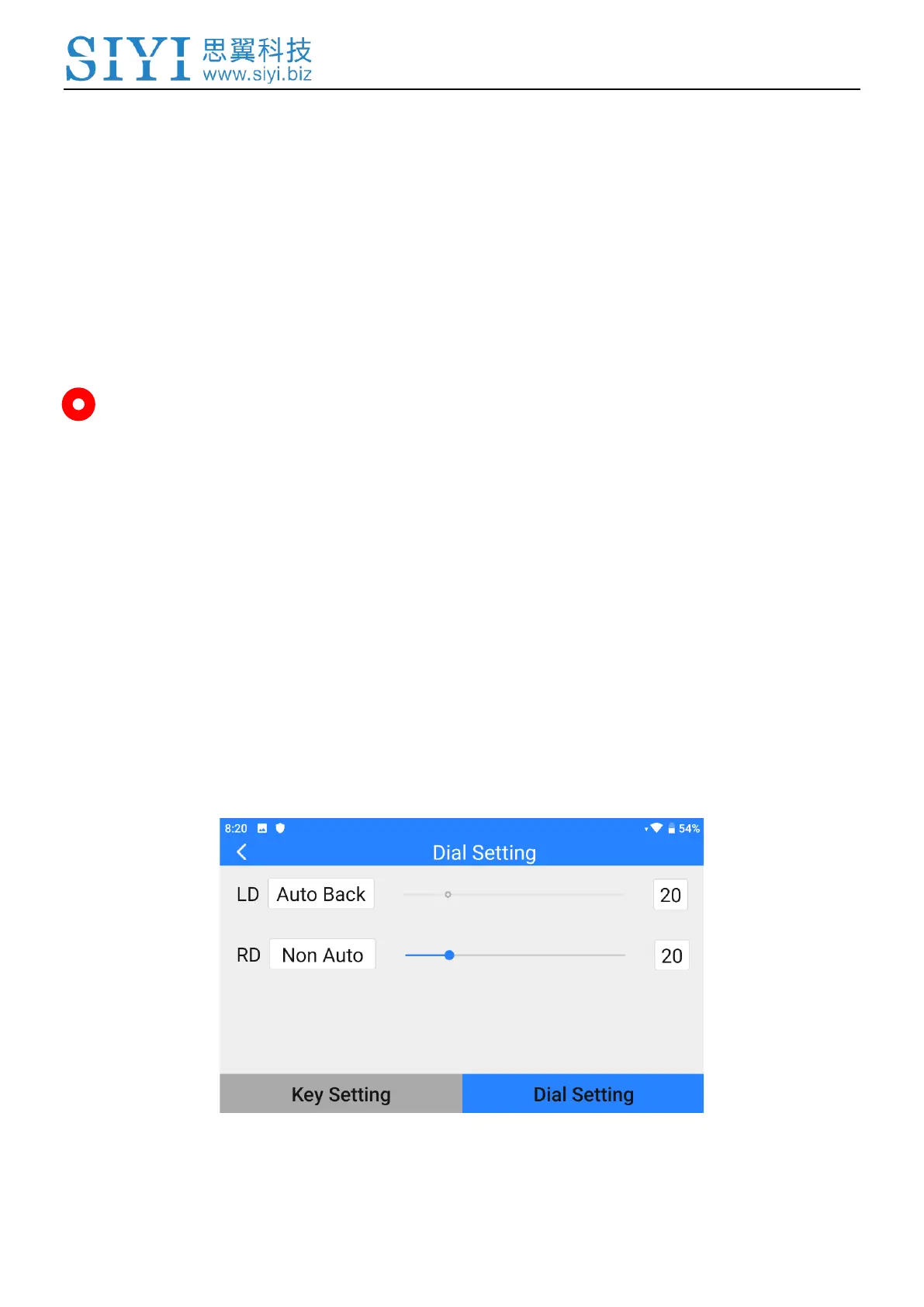
3.6.2 Dials
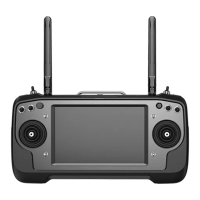
The function changes the way that the two dials (LD, RD) on MK15E transmitter
works.


 To Next Page