MK15E User Manual V1.1
76
2022 SIYI Technology, All Rights Reserved
Mark
MK15E Agriculture Transmitter does not support this function.
6.7.2 Through WiFi Hotspot
Let’s take an example of outputting image to a Windows laptop, running
QGroundControl.
1. Go to MK15E transmitter’s Android system settings.
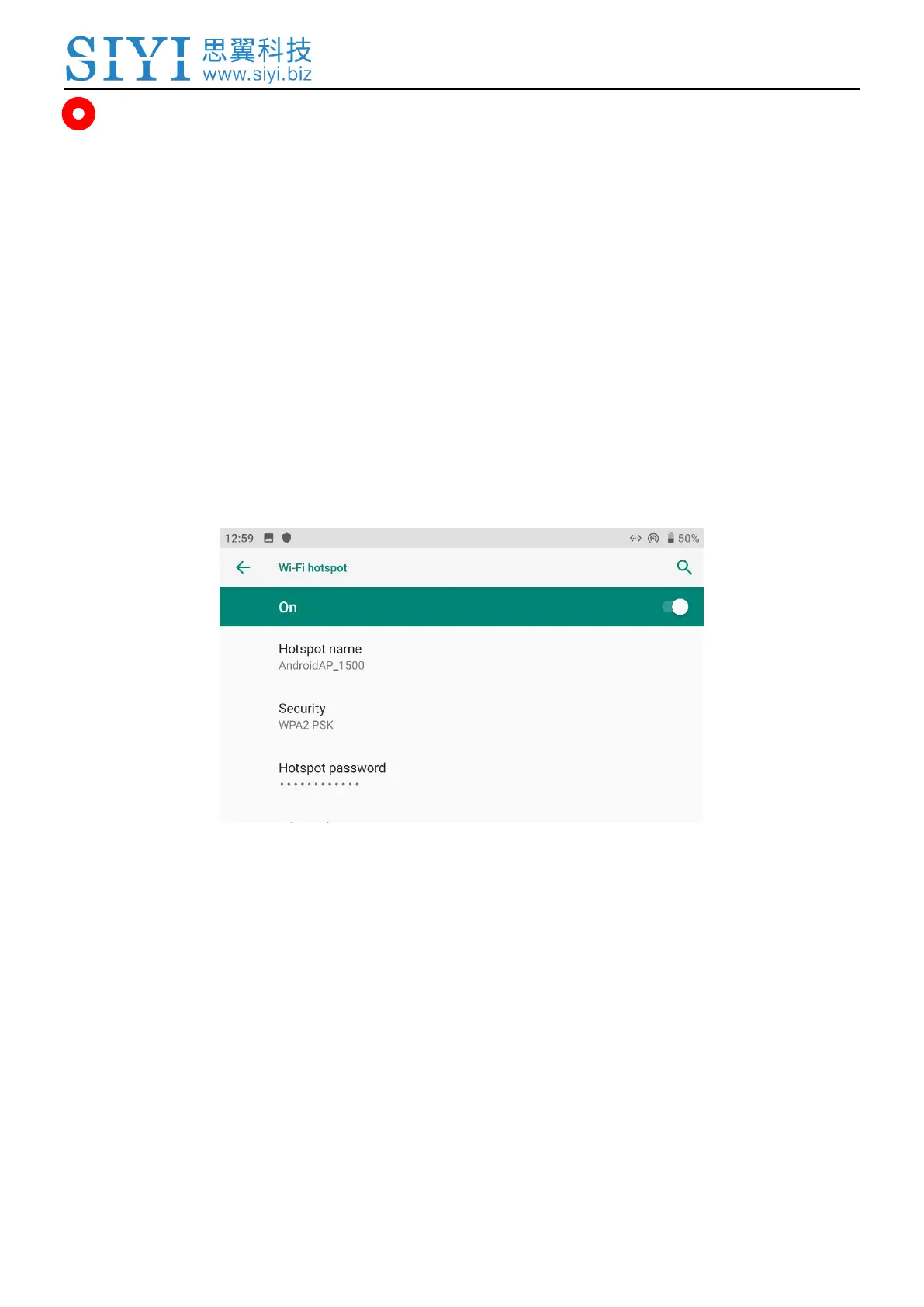
2. Then tap on “Network & Internet – Hotspot & Tethering – Wi-Fi Hotspot”.
3. Enable “Wi-Fi Hotspot”, configure the hotspot name and its password.
4. Connect the laptop’s WiFi to the MK15E Android “Hotspot”.
5. Open QGroundControl GCS on the laptop. Go to “Application Settings - Video”.
Change the video source to “RTSP Video Stream”.


 To Next Page