MK15E User Manual V1.1
81
2022 SIYI Technology, All Rights Reserved
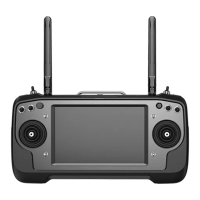
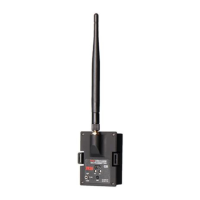
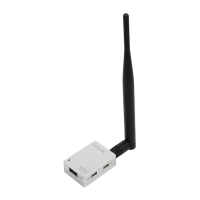
Above tools come with MK15E product package.
Fast charging cable and converter can be used directly to upgrade MK15E air unit firmware.
Firmware Upgrade Steps
1. Install “SIYI Assistant” into your Windows system.
2. Use the upgrade cable to connector computer’s USB port to MK15E ground
unit’s upgrade port.
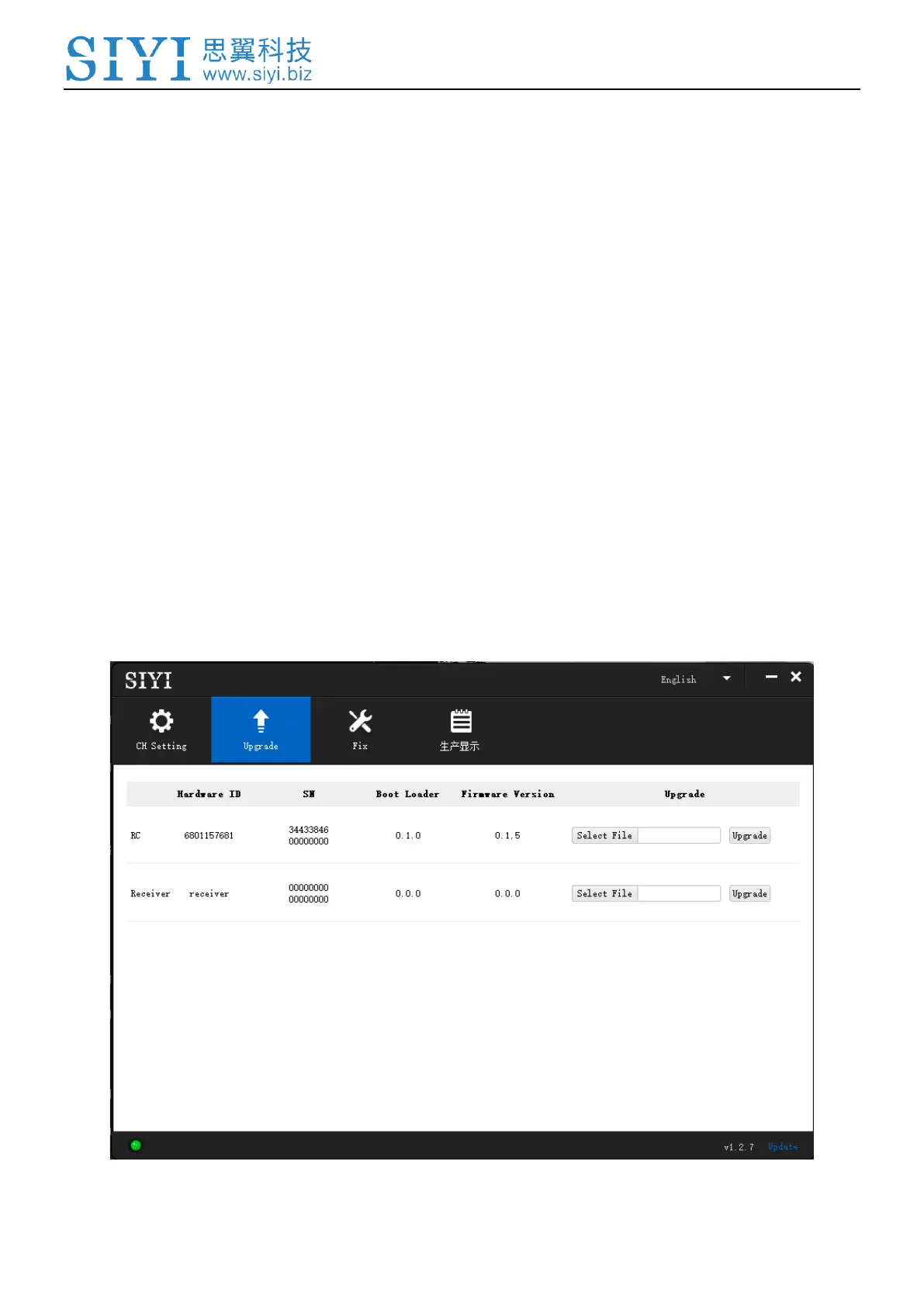
3. Run “SIYI Assistant” and switch to “Upgrade” page to check the MK15E ground
unit’s current firmware version.


 To Next Page