4
MAINTENANCE
Starting the Scanner Computer
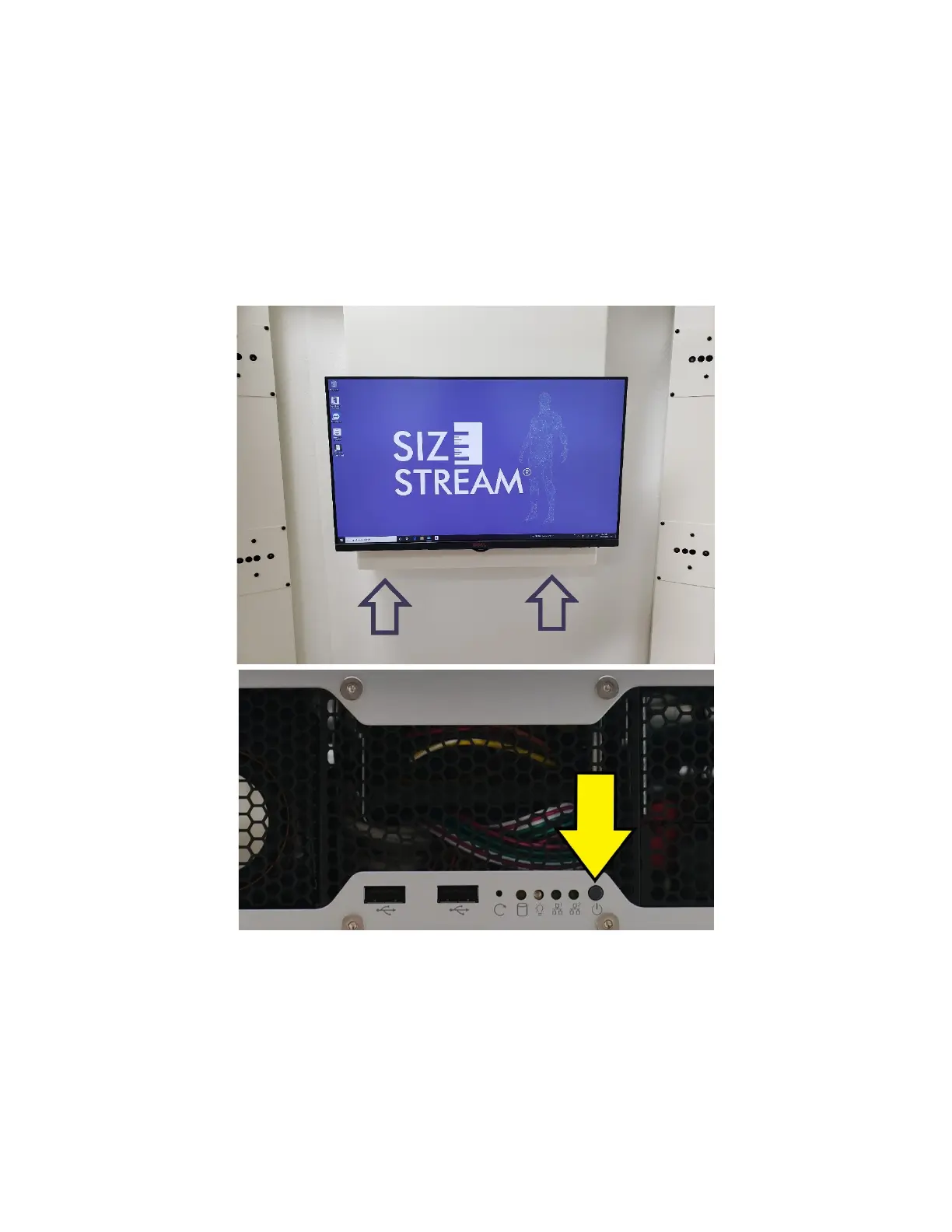
Note that the power button is located on the computer underneath the main scanner display screen. The
power button is recessed to avoid an accidental power off. If the scanner is running, pressing the power
button will cause a normal Windows Shutdown. Note: never use the Windows Restart option, but instead
always use the power button or the Windows Shut Down option, and restart with the power button.



 To Next Page