30
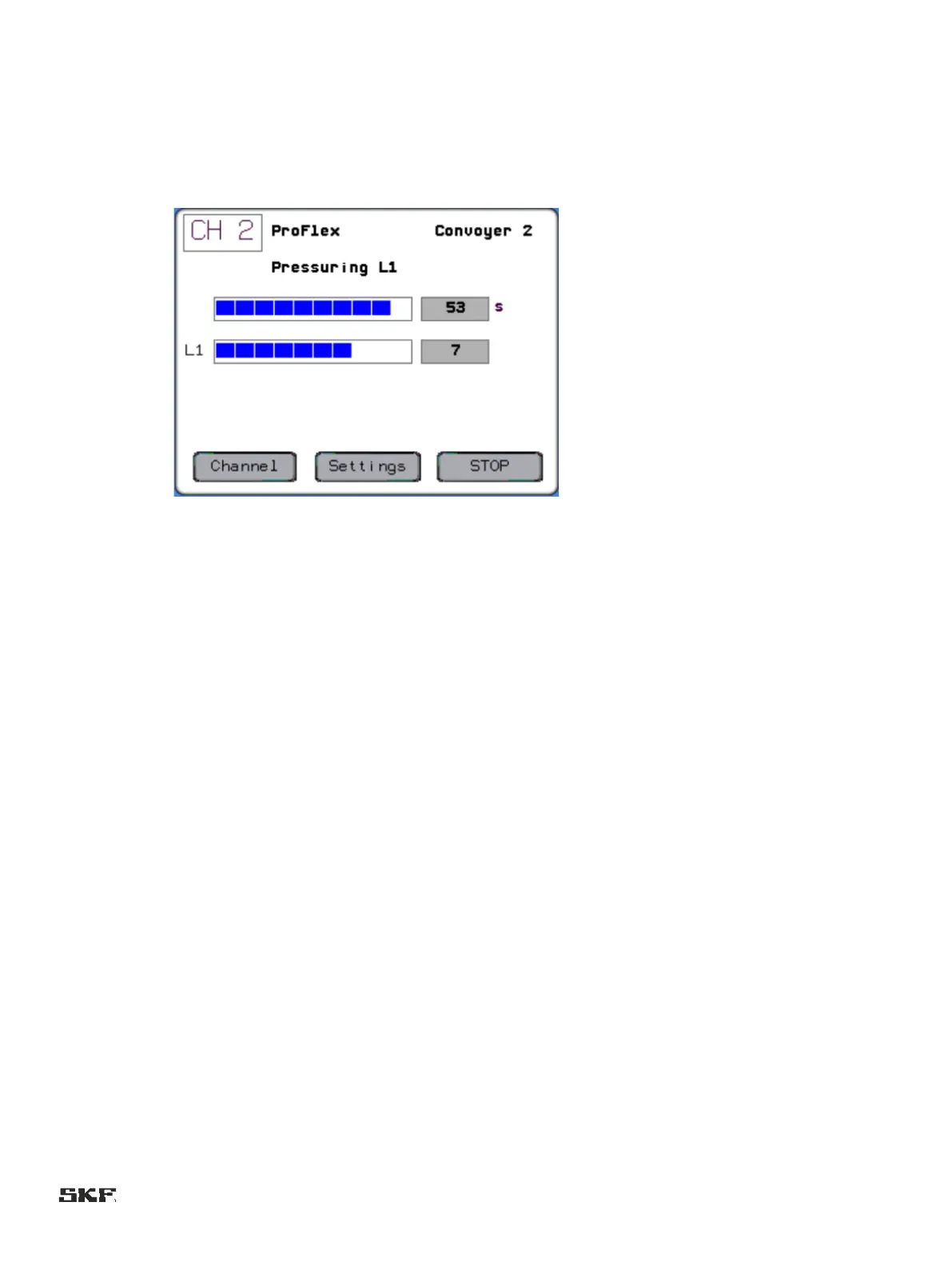
When the operation mode of the channel is ProFlex (progressive lubrication system), the pulse amount counted from the piston
detector monitoring the progressive distributor is shown instead of pressure display. The graphic presentation is scaled as
percentages to the set pulse count.
The bottom line shows the function buttons for the selected channel
:
" Channel: Press the button to display the status display for another lubrication channel.
" Settings: Selection of the lubrication parameter display and setting page.
" Function button to give the lubrication channel different control commands depending on the phase of the lubrication.
2 Stop: Interruption of pressurization.
2 Extra: Starts an extra lubrication
2 Reset: Reset alarm


 To Next Page