35
7.4.3 Changing set values
Changing the set values is possible, if the password setting is active. See section Entering password. On this page,the
password level is A. You can go to this page with the button Passwd.
Press the touch screen at the value of the parameter to be changed. The display shows the value input page.
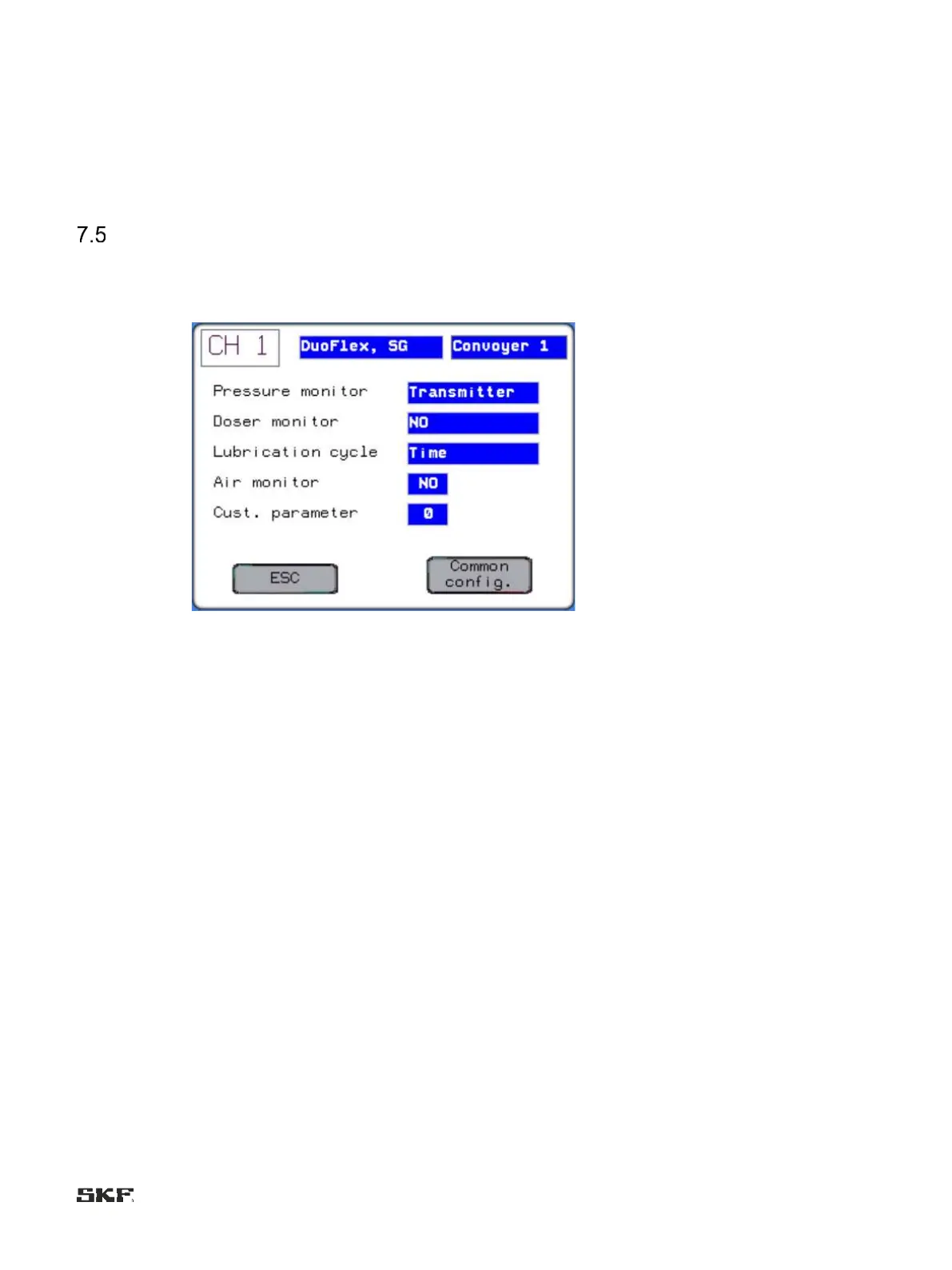
Configuration settings of the lubrication channel
This page shows a summary of the lubrication channel specific configuration settings that are usually set according to the
lubrication system already upon delivery. The page can be entered from the set value display with the Comm conf button.
The settings of this display page can be changed on the password level B.


 To Next Page