Page 32 of 56
SKIPPER Electronics AS
Edition: 2021-09-16
ESN100 Operation and Installation Manual
Chapter: PC connection
Printing Setup on PC
e printer will print a full page of information approximately every 15 minutes. e Printed page is in a
.pdf format, and uses the local pdf driver of the PC. If the format is wrong, we recommend using the win-
dows PDF or adobe acrobat drivers.
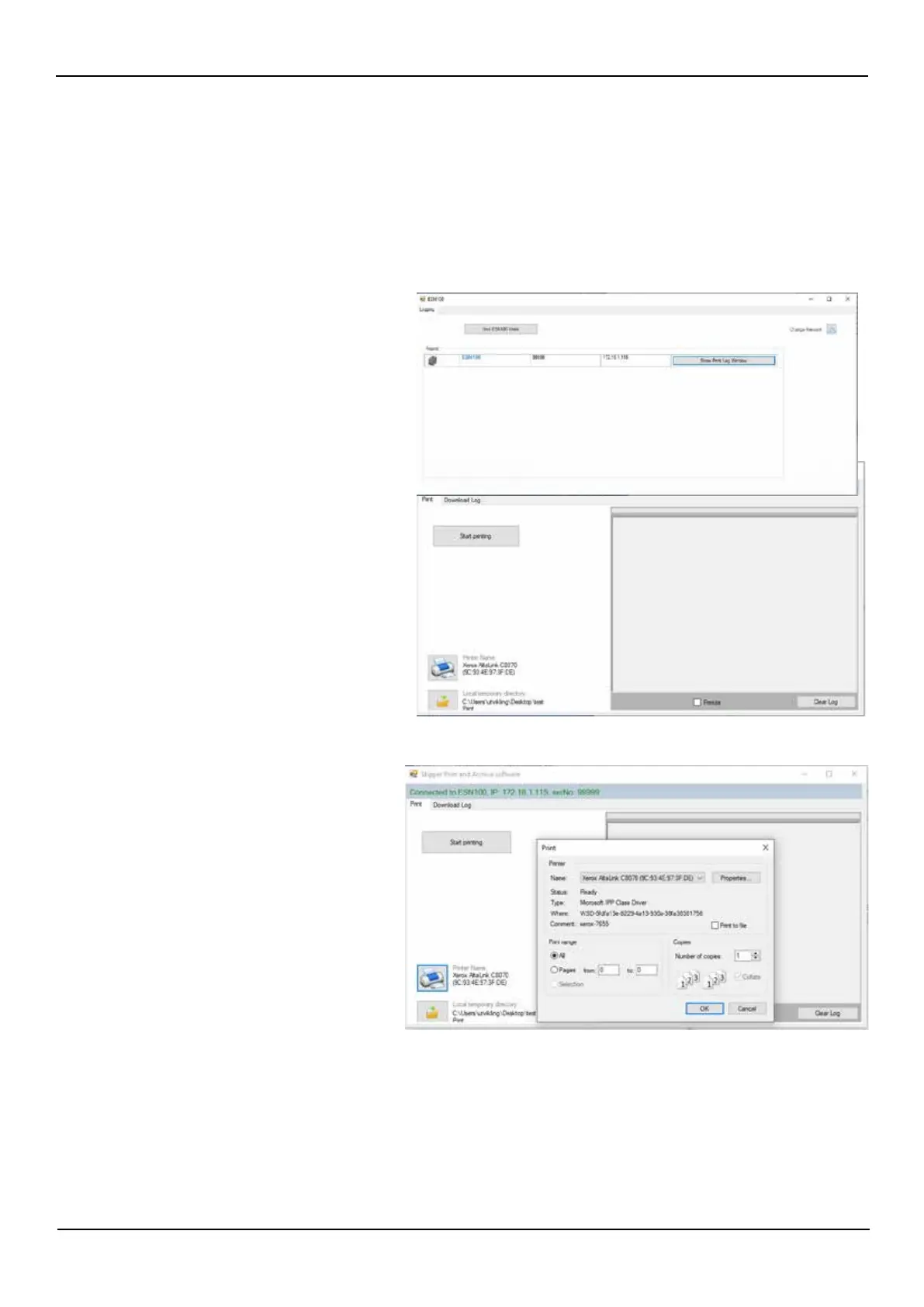
Both the PC connected to printer and the ESN100 has to be set up correctly to be able to print.
Select the printer to be used.
Select a temporary le if you do not wish to use the default.
Press “Start printing”.
Follow the connection and process details on the Log screen.
Search for the ESN100 system to be con-
nected to.
Click on the “Show print / Logle” button.
In SKIPPER service soware
Select ESN100 > Select the printer tab.
(Soware download available from
www.skipper.no)



 To Next Page