Initial Conguration
Connecting the device
System conguration and monitoring is done
through web-interface. To access the web-inter-
face you need to enter an IP address or a name
in a command line of your browser to which
your system is bound to.
User access and permissions
T
he user accounts do not have a username and
y default, the device has a preset user account
“guest” with the most extensive access rights (
all rights for view/write).
Please use any of Firefox, Chrome, Sa-
fari as web-browser. Interface has HTML5
platform that is not fully supported by IE.
To change the user go to “System menu” >>
“Login user”.
Default network settings
The factory network settings of the device
1 DHCP client switched off
2 Hostname skycontrol
3 IP-address 192.168.0.193
4 Network mask 255.255.255.0
5 Broadcast 192.168.0.1
6 Gateway 192.168.0.255
7 Primary DNS 192.168.0.1
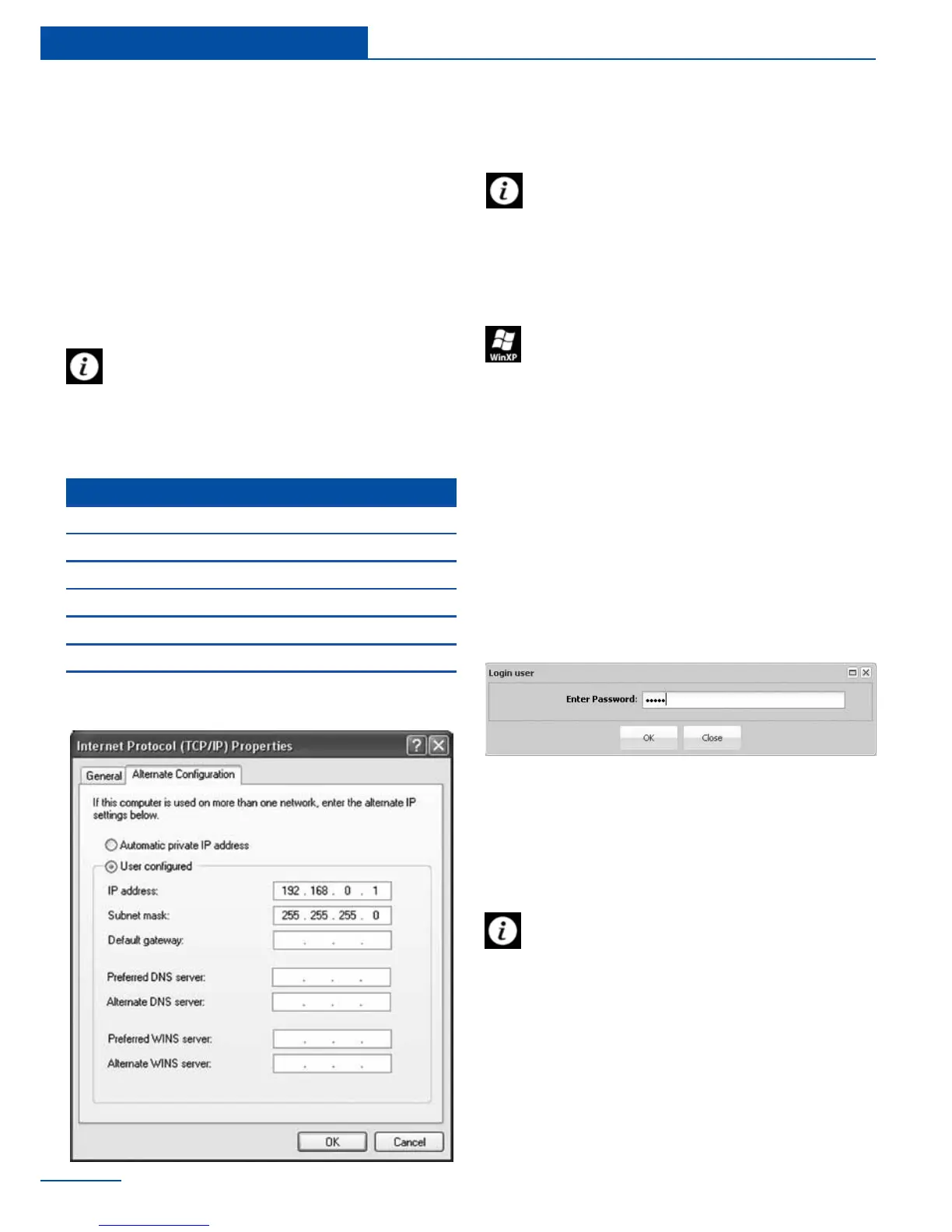
To start working with the appliance your
PC must be in the same network as the
new appliance! To do this please set up on your
PC: subnet mask: 255.255.255.0 and IP-
address: 192.168.0.XXX, where XXX = number
from 0 to 192, from 194 to 254, and
To congure network settings on your PC,
follow these steps: Start >> Control panel
>> Network Connections >> Right-click on
your LAN (Local Area Connection) >> Properties
>> double click on Internet Protocol (Internet
Protocol (TCP / IP))
26
Initial Conguration
Administrator account, username and
password
To improve security it is needed to cre-
ate a new user account with the highest
access rights ( all rights for view/write), and to
reduce the access rights of the “guest” account
or completely remove it from the user accounts.



 To Next Page