6 Connect dry contacts to the module using
terminals.
5
6
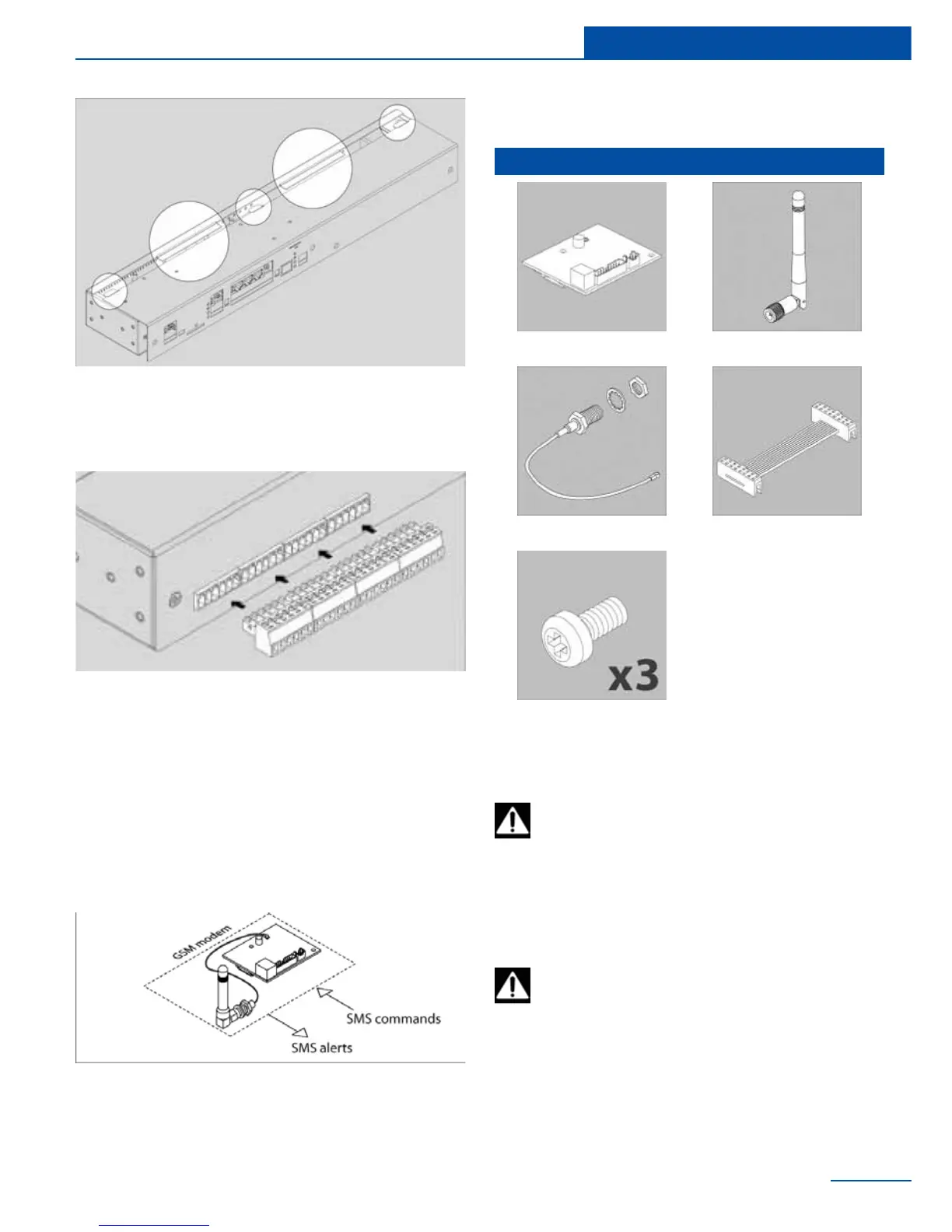
Connecting GSM modem
SC8100, SC8110, SC2110, SC2100 have the
possibility to install GSM modem. The device is
mounted and connected inside of master unit.
Needed when network is absent or for reserva-
tion of a connection channel of master unit with
Internet; for sending SMS notications and SMS
commands.
23
Installation
Inventory
GSM board Antenna
Antenna wire BH16 cable
M3*5mm bolts. 3pcs
Inventory
Installation
To install and to connect extension units:
switch off appliance, unplug from the out-
Antenna, GSM or Dry Contacts module
are installed inside. Carefully open the
let or disconnect the power connector.
box by unplugging, if necessary, any cables that
connect from top cover to bottom cover.
1
Carefully unscrew three screws holding the



 To Next Page