35
Quick Conguration
Adding logic schemes
Logic schemes are used to specify automatic
actions to events that occur in the system.
Logic schemes represent a set of conditions
( IF) and a set of actions that are executed (
THEN). Conditions can be combined using AND
and OR. To carry out the actions it is possible
to set required action repeat timeout. If time-
out equals 0 the action will be executed once.
Logic scheme will work only if the combina-
tion of conditions is true. Otherwise the logic
scheme will be disabled.
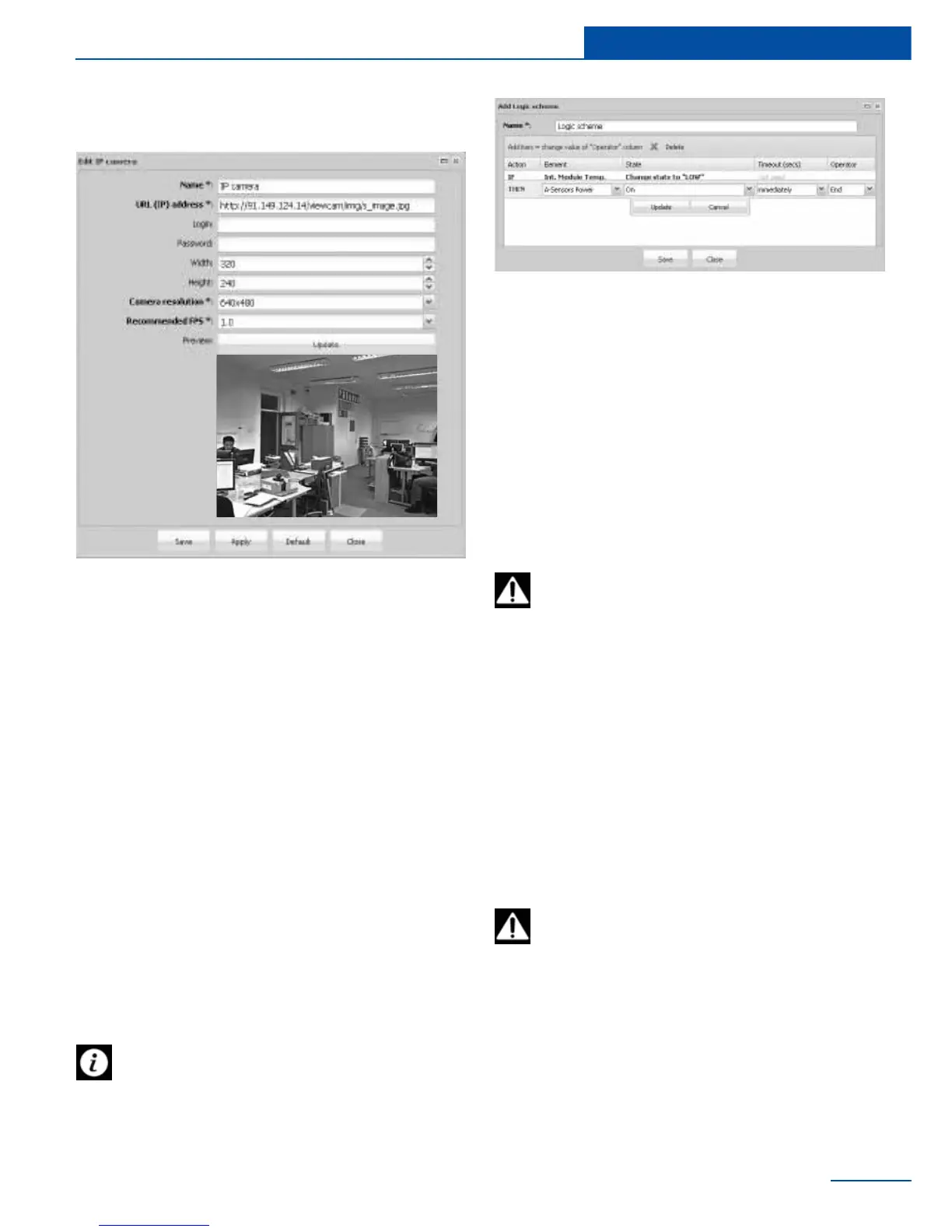
Adding IP camera
Adding IP camera allows you to view footage
from surveillance cameras remotely.
To add an IP camera, go to “Add” in the upper
left corner of the web interface, select “Add IP
camera”. A properties window will appear.
If logic scheme is disabled the reverse
actions of actions in THEN will not be
executed. To execute reverse actions you have
to set up a new logic scheme.
To add, edit, deactivate or remove a logic
scheme, go to “Preferences” , select “Logic”
schemes” and click on the item “Add”, “Edit”,
“Deactivate” or “Delete”.
W
switches into the new state after the logic is
triggered.
Save created logic.
If, within the specied time-out logic is
deactivated, the element will not change
its state.
For example you have a telecommunication
rack with servers and equipment. You need to
activate fans inside a rack when temperature
Example of adding a logic scheme



 To Next Page