Determination of IP-address
Time zone
If the default gateway is not known, use IP-
address of the computer in the network of the
device, which is usually included. The device
uses the default gateway to test the network
with low trafc.
To determine the IP-address of the device insert
USB-ash into the device as shown on the pic-
ture above, the device will automatically create
“dumplog_date_time.txt” le with the current
Turn on the appliance, set up the network set-
tings, proceed to congure other settings and
actions.
To set the time zone go to “Preferences” >>
“Network”.
Change the time zone settings to the needed
values and click “Save”
Quick Conguration
Network settings
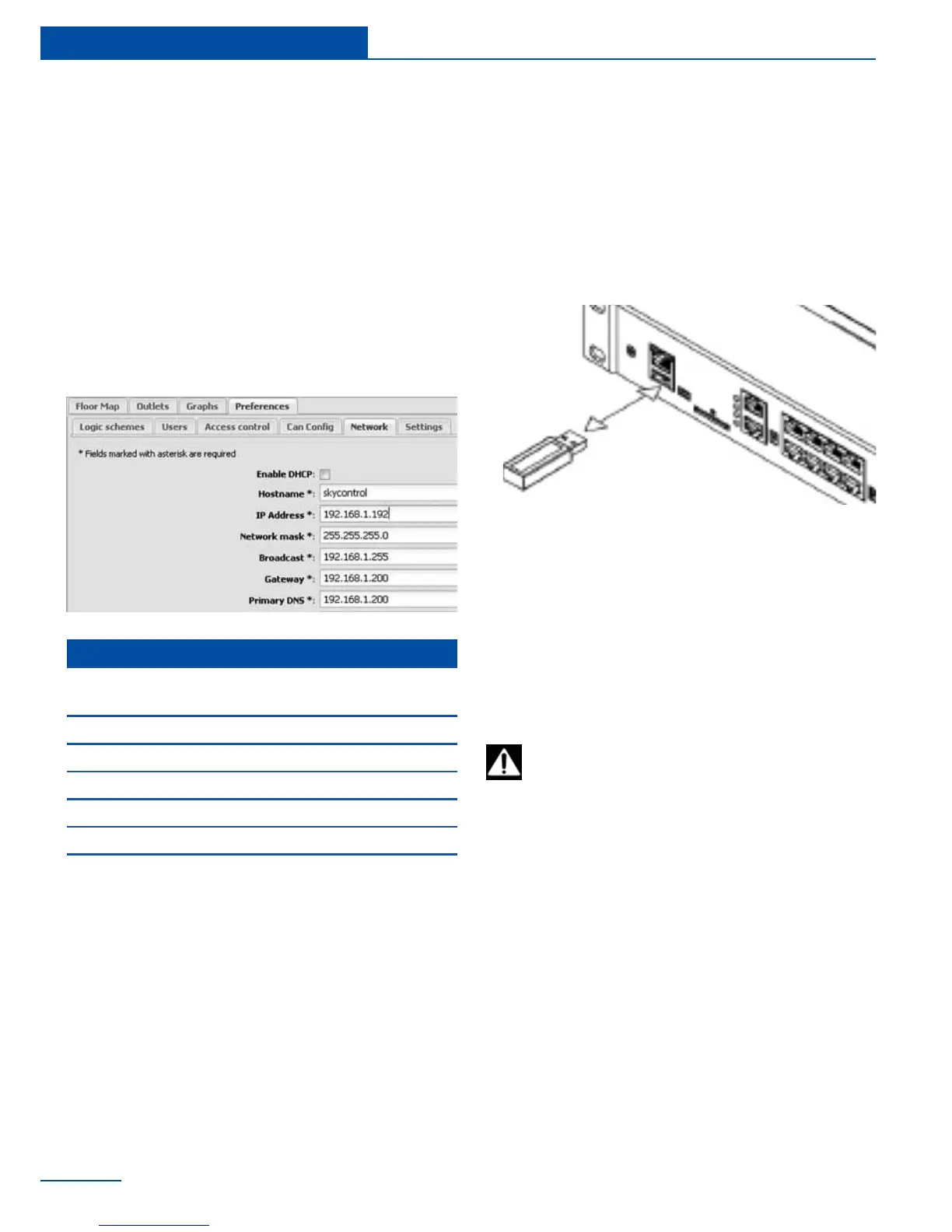
To congure network settings go to tab “Pref-
erences” >> “Network” . Change the network
settings to the needed values and click “Save”.
Setting up time
Available network device settings
Enable DHCP
Enable or disable DHCP
connection
Hostname Host name of the device
IP-address IP-address of the device
Network mask Netmask
Broadcast Broadcast address
Gateway Default gateway
Primary DNS Primary DNS
System time in the panel “Sytem info”
corresponds with the time set on your
PC. Last device time - ithe last time when the
browser requested data from the device.
30
Quick Conguration



 To Next Page