Example. If the text has the following form:
When logic is triggered and the notication is
sent, the recipient will see a message in the fol-
lowing form:
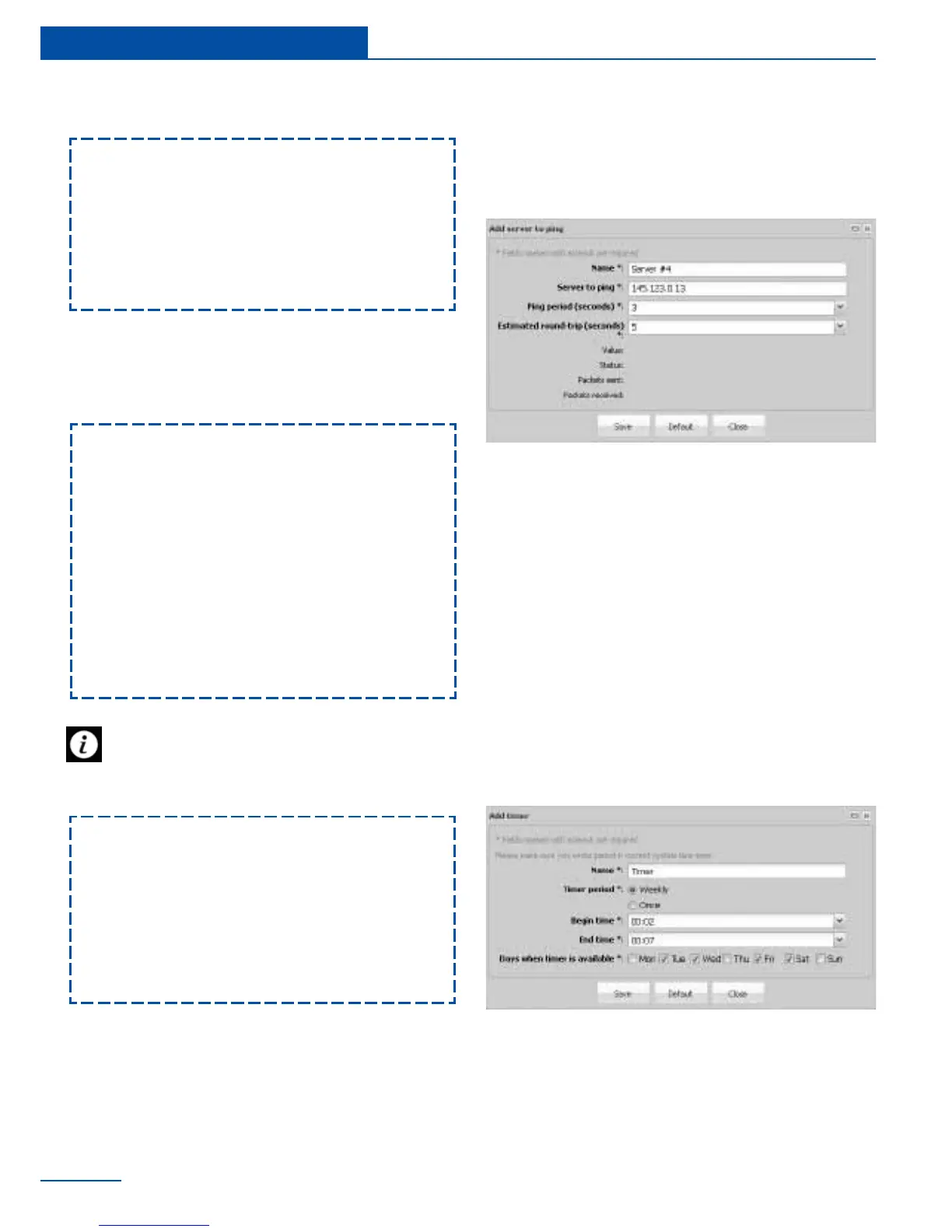
Specify the server address, ping period, the
estimated round-trip time between sending a
request and receiving a response and press
“Save”.
%4
--
%1
--
%2
--
%3
Logic scheme name
--
if ‘S/N iButton’(id=13) in state ‘alarm’,
then
‘Email’(id=302) changes to state ‘on’ im-
mediately
‘Relay-0’(id=31) changes to state ‘pulse’
immediately
--
‘S/N iButton’(id=13) in state ‘alarm’
--
12:40:36 2012/01/18
We recommend to use a more informative
form of message, by default it is written in
the following form:
Logic %4:
--
Dention:
%1
Current sensor state:
%2
--
System time: %3
Creating ping
Ping is a utility used to test the reachability of a
host an a network. In the absence of connection
ping registers from a normal state to a state of
alarm. After you restore the connection - ping
Creating timer
Timer allows you to plan the events in the sys-
tem. When timer is triggered it goes from the
normal state into alarm state. When timer is
turned off it goes back to a normal state.
To create a timer go to “Add” in the upper left
A properties window will appear.
34
Quick Conguration
registers back to normal state.
To add a ping, go to “Add” in the upper left
Ping properties window will appear.
Specify the server address, ping period, the
estimated round-trip time between sending a
request and receiving a response and press
“Save”.



 To Next Page