Upgrade and restore options
Description
The appliance has the possibility to update or to
restore software.
You can update software via HTTP, FTP or using
USB ash drive.
Restoring via USB can be done using a special
recovery application.
The update process is displayed on the front
panel with ashing LED “ERR”. If successful, the
“ERR” LED goes off, and “ACT” LED blinks for a
while with increased frequency. If unsuccessful
“ERR” LED remains lit.
Attention! After updating the software
clear browser history (cache). Otherwise,
Attention! Some of congurations may
be lost (logic schemes, sensor data and
web interface may have problems associated
with previous versions of les stored in cache
on the device.
parameters) when updating or restoring the
system. Please read the notes of your update
to know the specics. Currently it is not pos-
sible to save changes, please make notes or
screenshots of your congurations. Example:
When updating from version 2.03 to 2.1.0 logic
schemes and sensor parameters are lost.
• To clear browser history in Mozilla Firefox
follow: Tools->Clear Resent History
• To clear browser history in Google Chrome
follow: Settings->History->Clear All Brows-
ing data
• To clear browser history in other browsers
see browser help section.
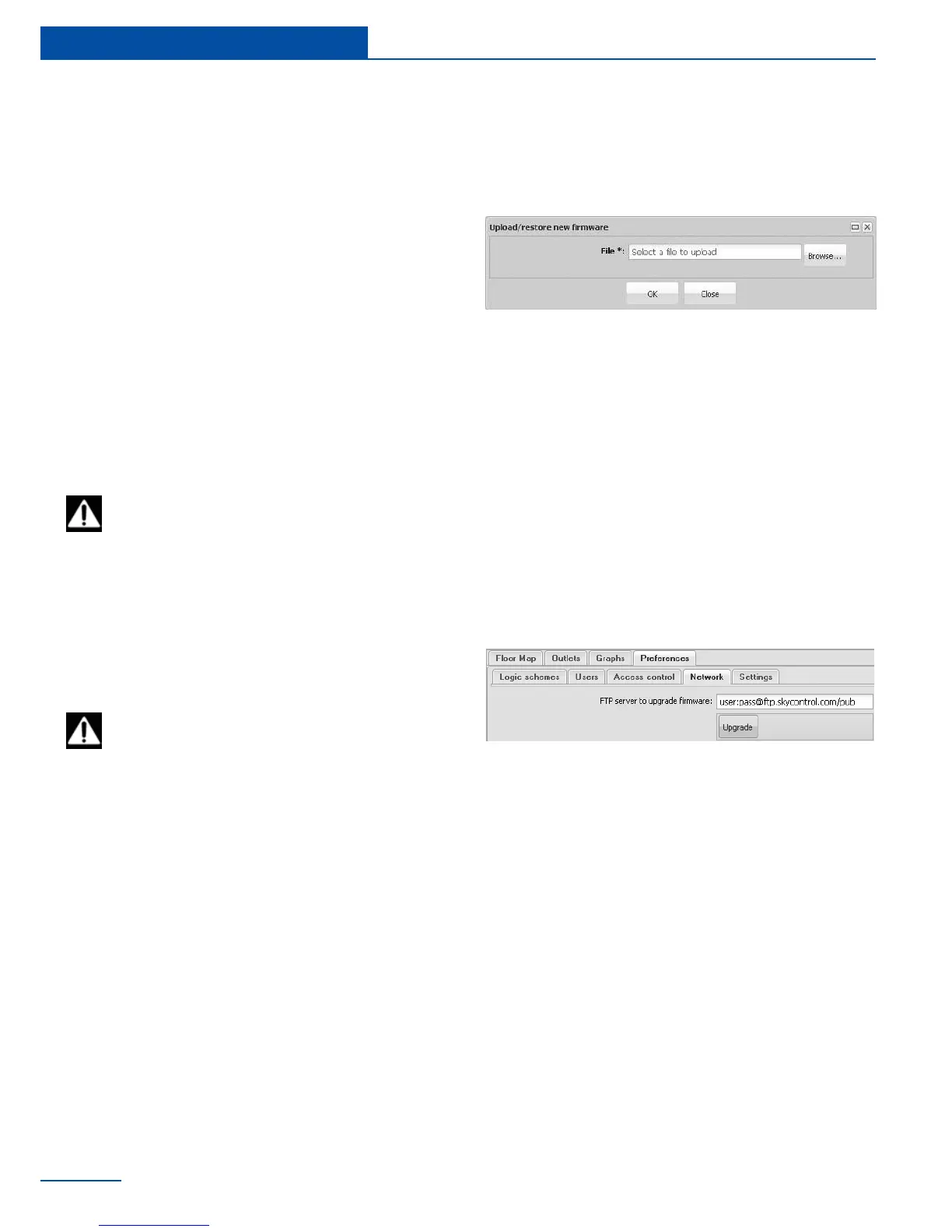
name for the update le (sky25rmware.sky)
or select conguration le (sky25settings.sky)
and press “OK”. After the update is complete
the web interface displays message “Firmware
upload”.
The updating process will be displayed on the
LED on the front panel of the device.
To update the software via FTP, go to ”Prefer-
ences” in the web interface, select “Network”
If necessary, type in or change FTP path for
the update le “sky25rmware.sky” in the eld



 To Next Page