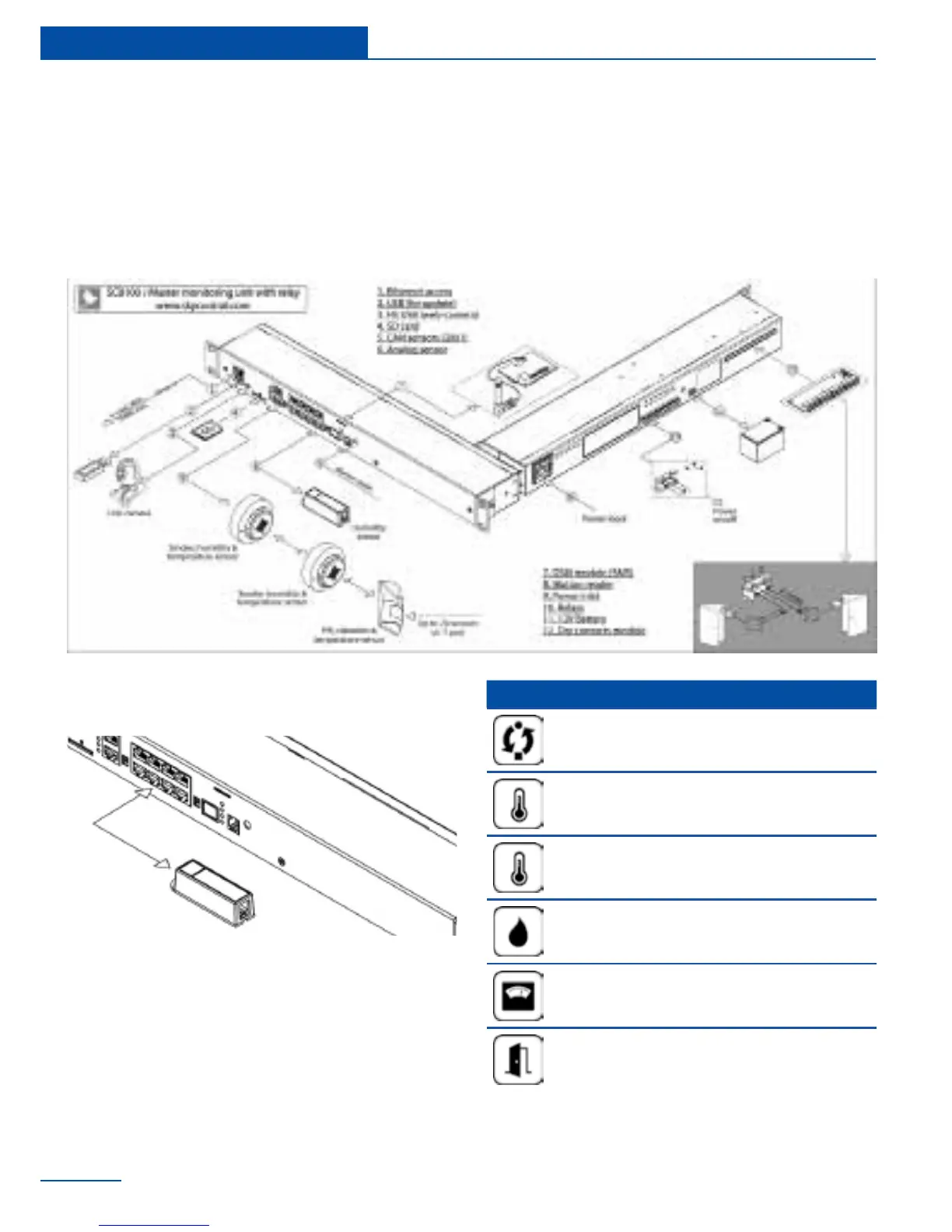
1 For SC8100, SC8110, SC2110, connect
the appropriate power cord to the unit AC
line input. For SC2100 plug in the power
adapter that was in the package content.
2 Connect unit’s Ethernet port using network
cable to the switch.
3 Plug the power cable into the power
source.
Analog sensors connection
Connect analog sensor by a supplied RJ-11
(6P4C) cable to any of 8 analog ports “A1 .. A8”
. Determination of the sensor type and connec-
tion will occur automatically.
This procedure applies to the following sensors,
which are supported by the appliance and are
connected to the analog ports:
Type Analog sensors
Current Loop transceiver (SC420)
Temperature sensor (SC500)
Outdoor temperature sensor
(SC501)
Humidity sensor (SC510)
AC voltage detector (SC520)
Access sensor (SC530)
General connection of sensors and devices
16
Installation



 To Next Page