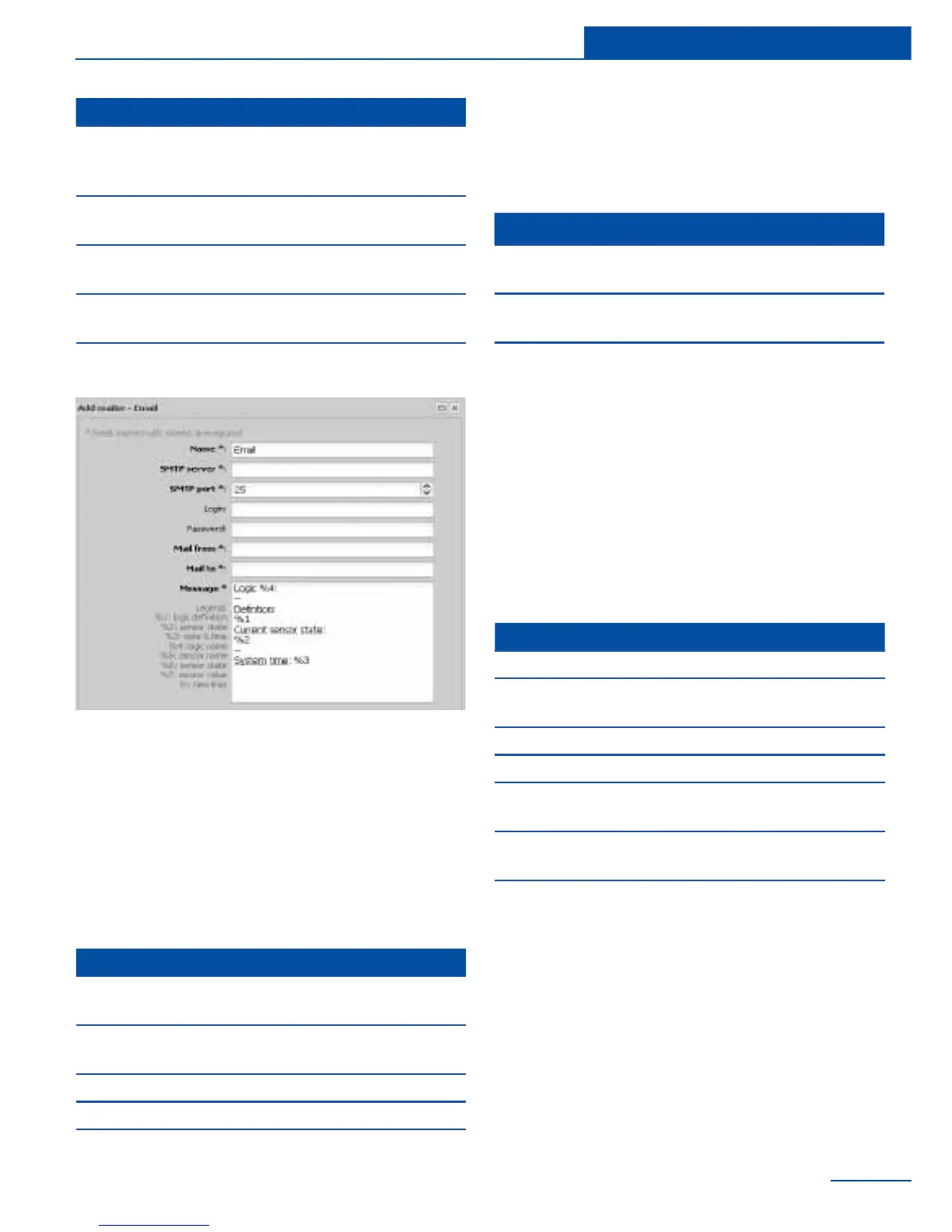
-
fy the following parameters:
The text of the message can include macros.
Macros have the following form:
%{number of macro}
When notication is created the system re-
The following macros are available:
Contact your mail administrator for assistance
with conguring SMTP parameters or the help
section of your e-mail provider.
Notication via SNMP Trap
Notication via SMS
Macros in the notication text
Parameter Description
SMTP port
SMTP server on the cor-
rect port number. (e.g. 25
or 465)
Login,
Password
SMTP server username
and password
Mail from
Sender’s e-mail address
(sky25test@gmail.com)
Mail to
Recipient’s e-mail address
(sky25test@gmail.com)
Message Text of the message
Parameter Description
Name
The name of the element
in the system
SNMP server
Name or SNMP server IP
address (192.168.1.10)
SNMP port SNMP port (usually 162)
Community Community name (public)
Version Version (v1 or v2c)
Parameter Description
Name
The name of the element in
the system
Phone number
Phone number of receiver
(+421908315000)
Message Text of the message
Macro Description
%1 description of the logic
%2
sensor data which are included in
the logic scheme
%3 logic scheme response time
%4 name of logic scheme
%5
name of the sensor which triggered
the logic scheme
%6
state of the sensor in the logic
scheme that has triggered
%7
the value measured by the sensor
or logic level



 To Next Page