122 MN.00273.E - 004
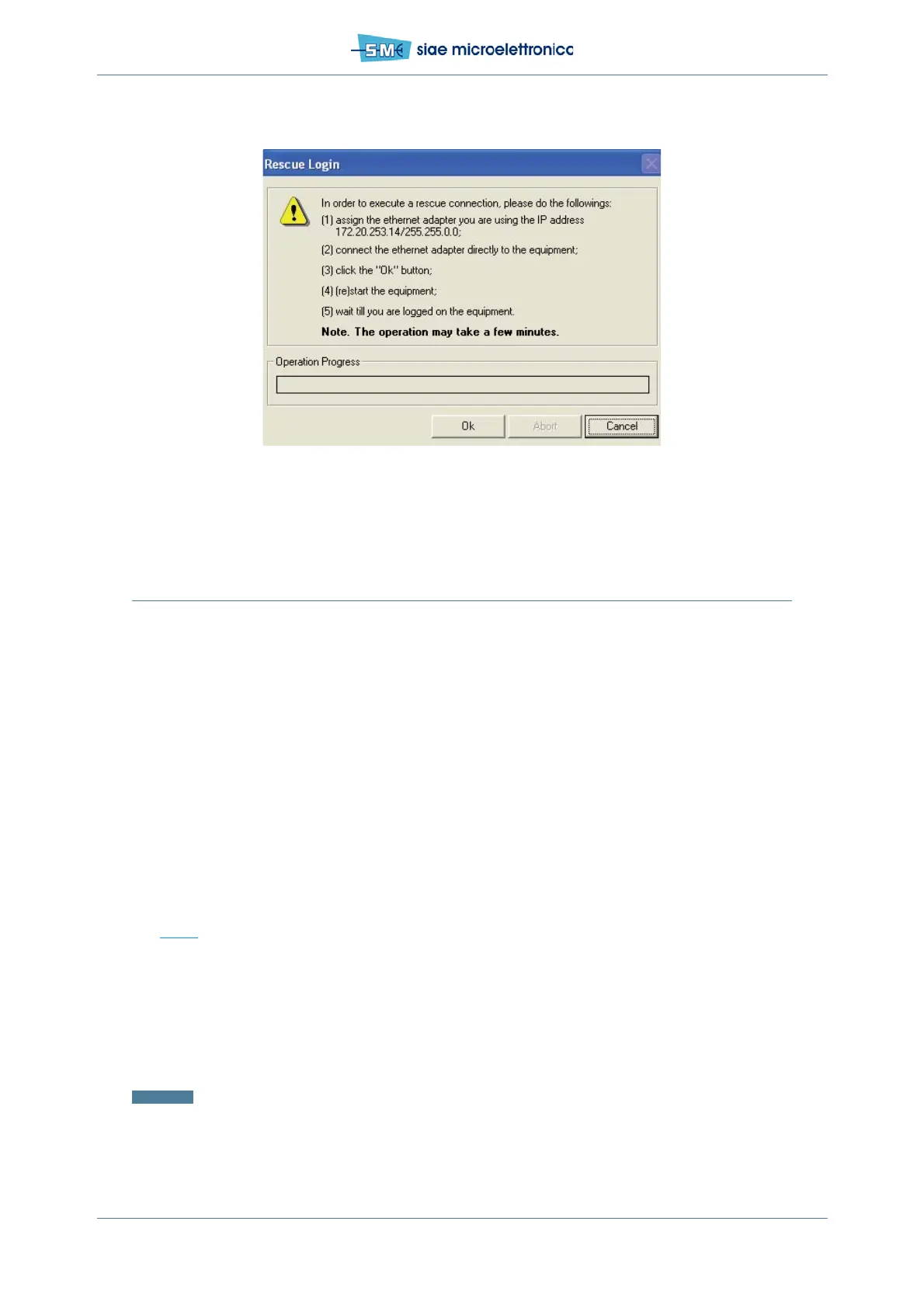
Fig.68 - Rescue login
9.5 FIRST CONFIGURATION
To activate a radio link it is necessary to program the ODU (local and remote side) in some basic items
listed in the following:
•modulation & capacity
• Tx frequency & power
•port configuration
• agent IP address and equipment ID
• store routing table
• remote element list
• restart equipment
Bandwidth and Modulation setting
See Fig.69.
Into WebLCT at position:
• Equipment menu
• Equipment - BW & MOD/LINK ID
•In Capacity and Modulation card, you can select Bandwidth&Modulation desired. Press Apply
and Confirm
• Enable or disable ACM Engine, if you want dynamic modulation. Press Apply and Confirm
Attention: Use the same parameters on remote unit.



 To Next Page