MN.00273.E - 004 141
11.3.2 Troubleshooting of a faulty unit
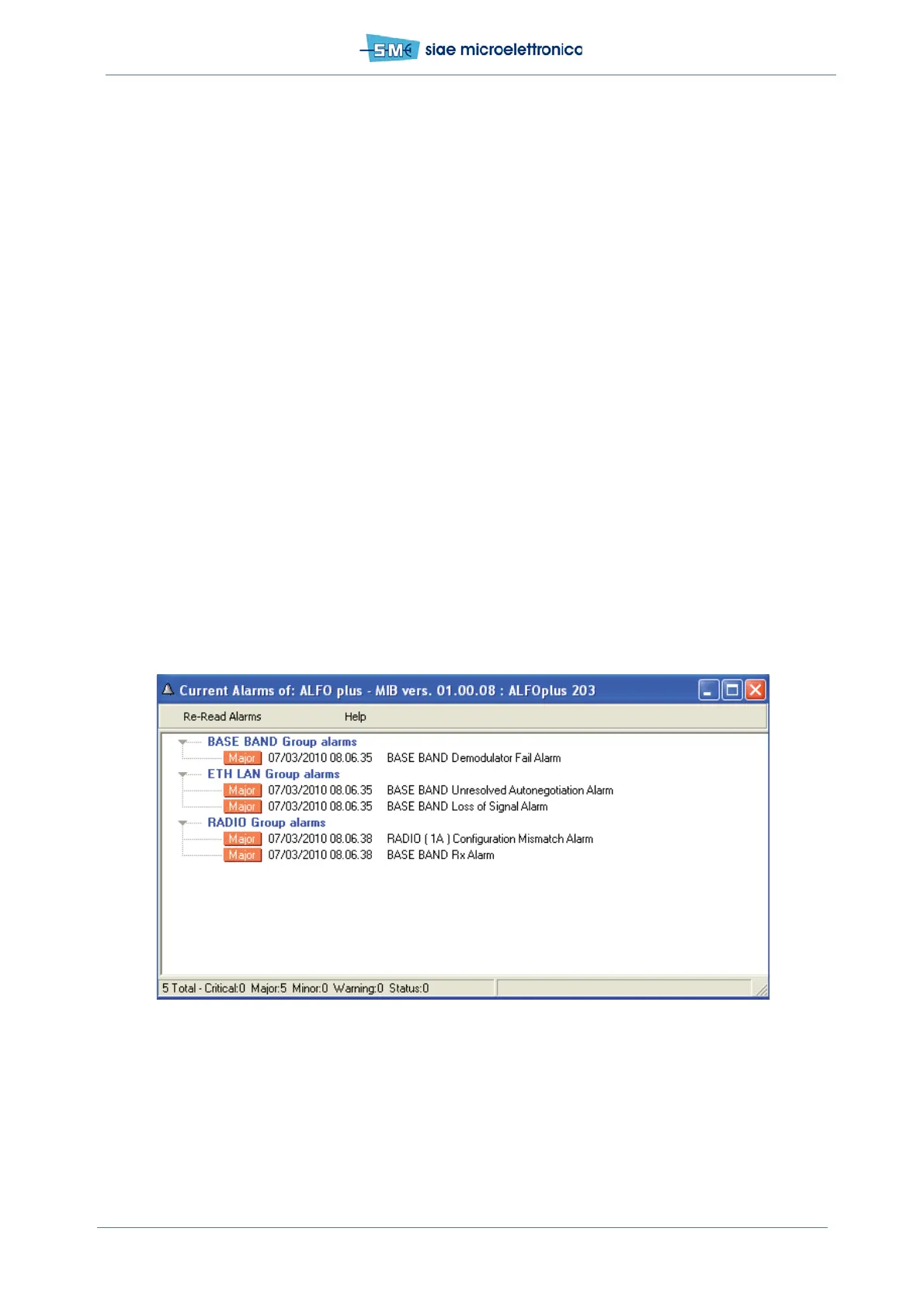
Into SCT/WebLCT software, in Equipment menu select View Current Alarm menu.
In this window they are displayed the current alarm and their severity. Depending on which alarm classes
are active, following situation can arise.
ODU alarm classes active
ALFOplus is made up by a single unit, the ODU. This is the minimum spare part.
If one or more of the following conditions occur, the ODU is faulty:
• One or more alarms inside the ODU hardware class are active
• One or more alarms inside ODU link class are active
If the following condition occurs a further investigation is necessary:
• Sw config alarm in ODU software class is active
Every log window has to be inspected. In the window are present additional information about Sw
config alarm; if it is impossible to clear through restart, the unit is not able to work properly and
needs to be tested again in SIAE final test department.
Troubleshooting on remote ODU
With SCT/WebLCT program the alarm on the Remote ODU are displayed the same way as for the local one.
The above described troubleshooting can be carried out for the remote ODU too.
Fig.81 - Current alarm monitoring



 To Next Page