22
Activated following oven switch on, key 1 ON/OFF along with the default ‘ventilated
cooking’ mode.
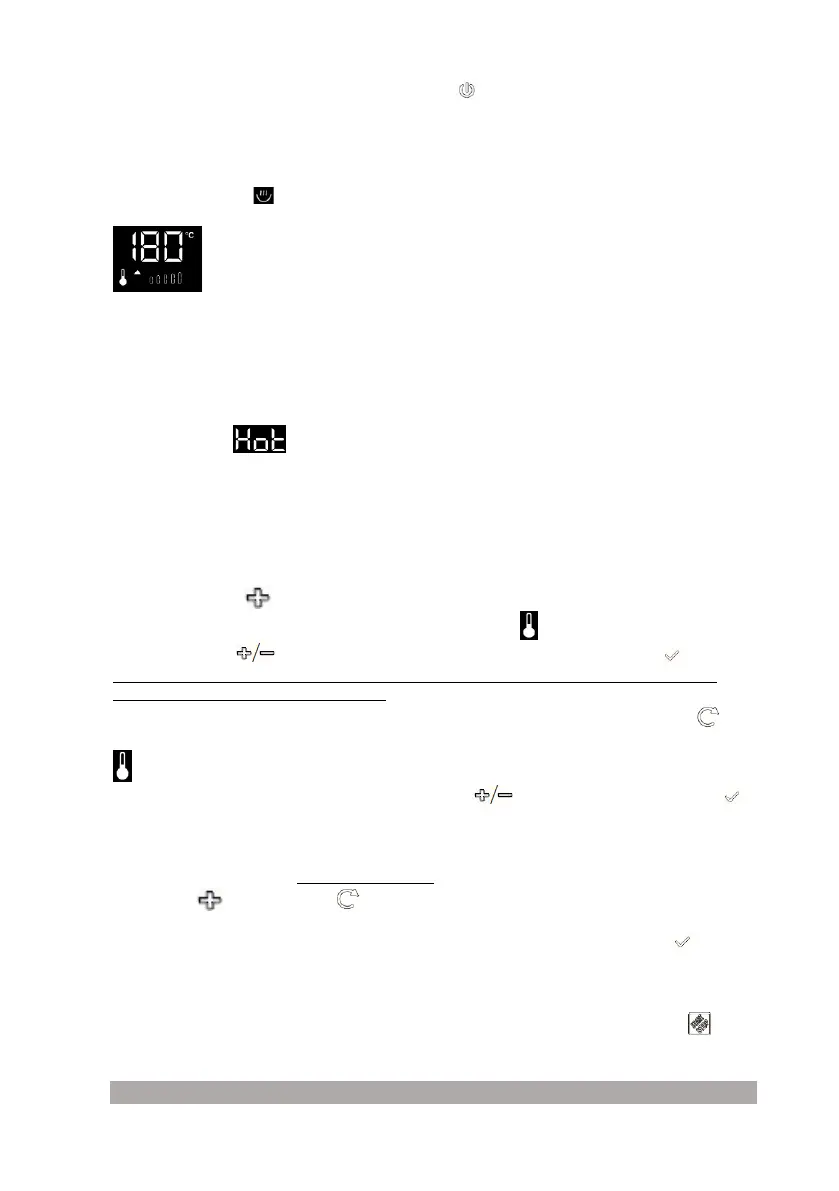
If cooking is started, the display shows the following information:
- pre-set temperature (default);
- icons: thermometer, upward arrow and progressive temperature graphics;
- "cooking pan" icon lights up;
ATTENTION: the control has time limits for continuous cooking, with the following safety
limits:
- 250°C max 3h - 120-195°C max 8h - 200-245°C max 5h - up
to 120°C max 11h
Residual heat
If HOT appears in the top right of the display, it means attention must be paid not to touch
the inner parts of the oven, even if the latter is off.
HOT is displayed after the oven is switched off and remains active until the chamber
temperature has dropped below 50°C.
Setting and modifying the temperatures
The temperature can be modified at all times, after the selection of a cooking function, by
simply using key 4 .
On the display, the temperature and the corresponding icon flash.
Use keys 4 and 5 to set the desired temperature and confirm using key 6 .
In each case, after 7 seconds of inactivity of the commands, the temperature selected is
confirmed automatically (auto-confirm).
Alternatively, it is possible to access the temperature modification using key 2 menu .
Go onto the temperature function: the step is highlighted by the flashing temperature icon
.
To select the desired temperature, use keys 4 and 5 and then confirm using key 6
or after 7 sec the value will be auto-confirmed.
Pre-set temperature
It is possible to modify the pre-set temperature assigned for every function.
Using key 4 (or key 2 menu ), go to the temperature modification mode and set the
new pre-set temperature.
While the display flashes (i.e. within 7 sec), confirm the value holding key 6 down for at
least 3 sec. The next time the oven is switched on, there is a new pre-set temperature.
Pre-heating the oven
Once the cooking function and temperature have been selected, using key 3 START the
cooking mode is entered and the pre-heating phase commences.



 To Next Page