15 English
User Controls
User Controls
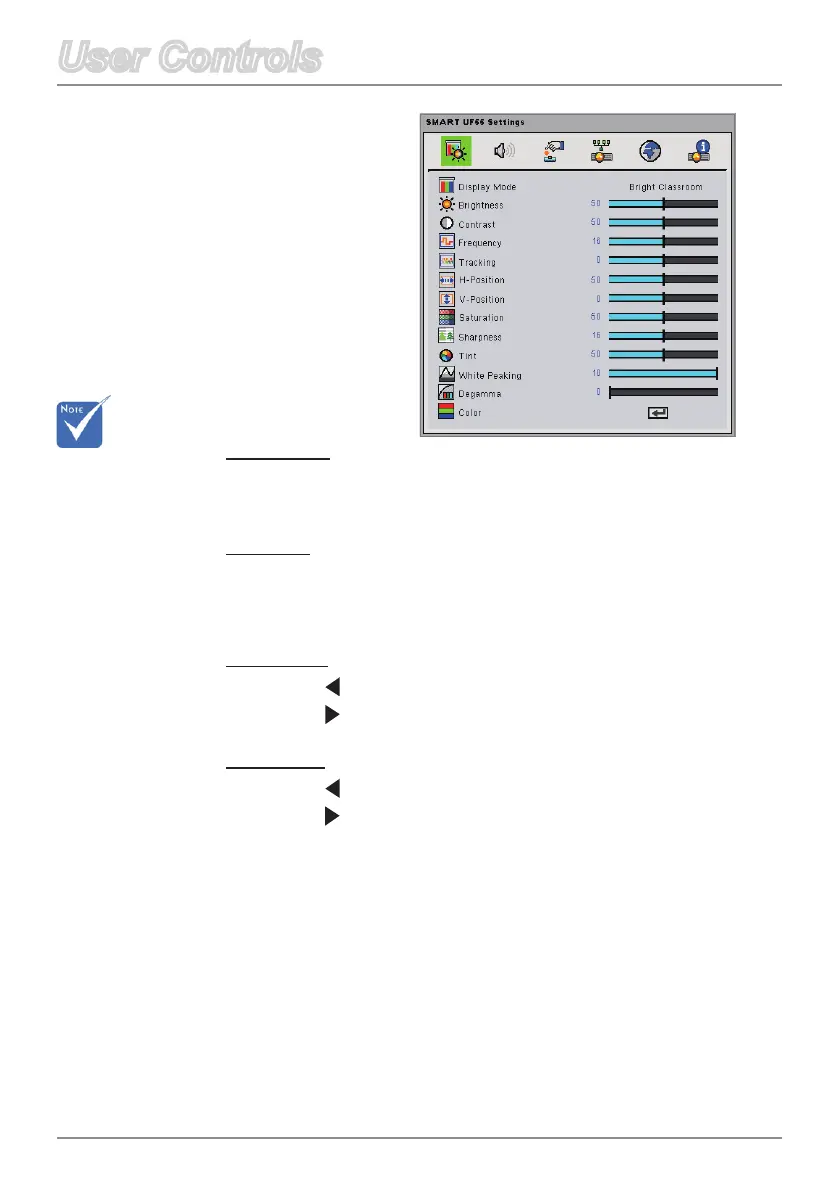
Frequency
Change the display data frequency to match the frequency of your
computer’sgraphiccard.Ifaickeringverticalbarappearsonyour
screen,usethisfunctiontomakeanadjustment.
Tracking
Synchronize the signal timing of the display with your computer’s
graphicscard.Iftheimageappearstobeunstableorickers,use
this function to correct it.
H-Position
Press on the remote control to move the image left.
Press on the remote control to move the image right.
V-Position
Press on the remote control to move the image down.
Press on the remote control to move the image up.
Frequency,
Tracking,
H-Position and
V-Position functions
are only supported
underAnalogVGA
(RGB) signal.
Image
Adjustment



 To Next Page