English 20
User Controls
User Controls
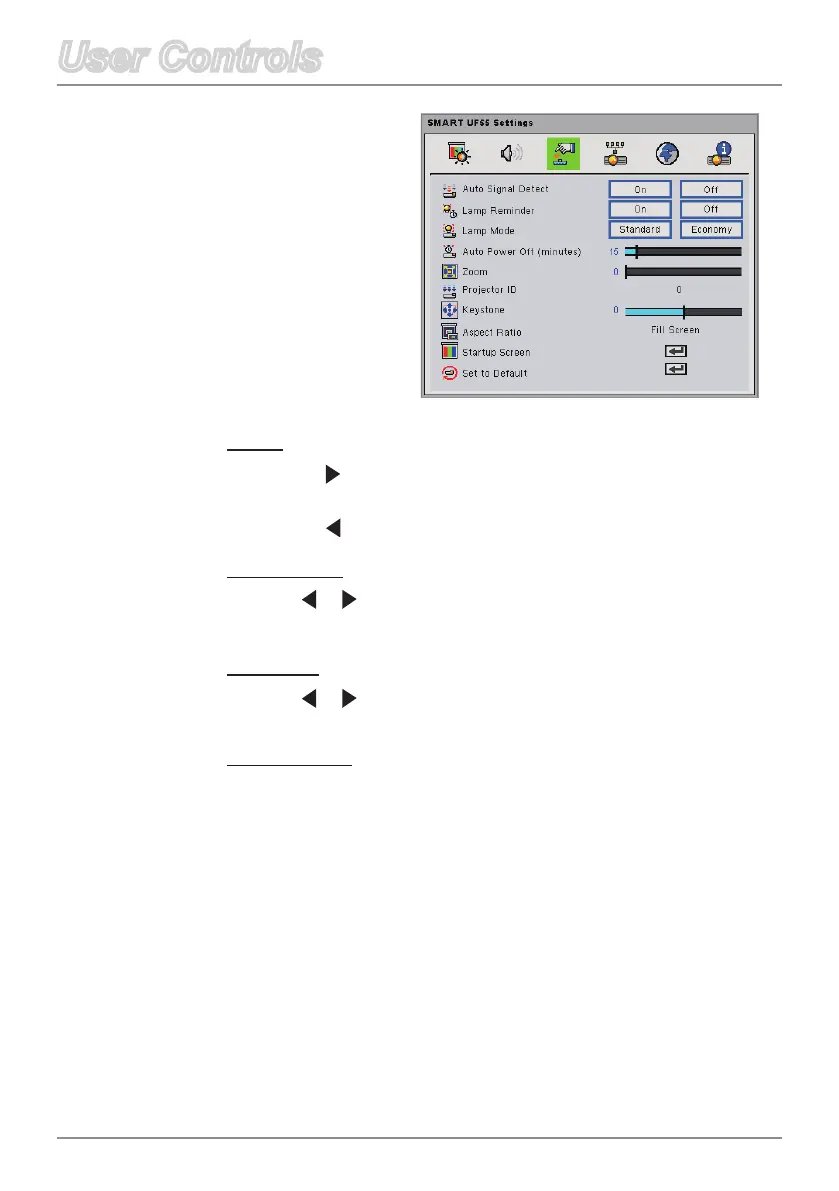
Zoom
Press on the remote control to digitally magnify a default area
of image in the center of the screen.
Press on the remote control to zoom out of the image.
Projector ID
Press or on the remote control to set the projector ID number.
The range of numbers is from 01 to 99.
Keystone
Press or on the remote control to adjust image distortion
vertically and make a squarer image.
Aspect Ratio
Selectoneofthefollowingaspectratiostodenehowtheimage
appears:
FillScreen:Theinputsourcescalestotthefullsizeof
projection area.
Match Input: The original input source’s aspect ratio is used.
16:9:Usethisformatfor16:9inputsources,suchasHDTVand
DVDsenhancedforwidescreenTV.
Default
Settings



 To Next Page