41 English
User Controls
User Controls
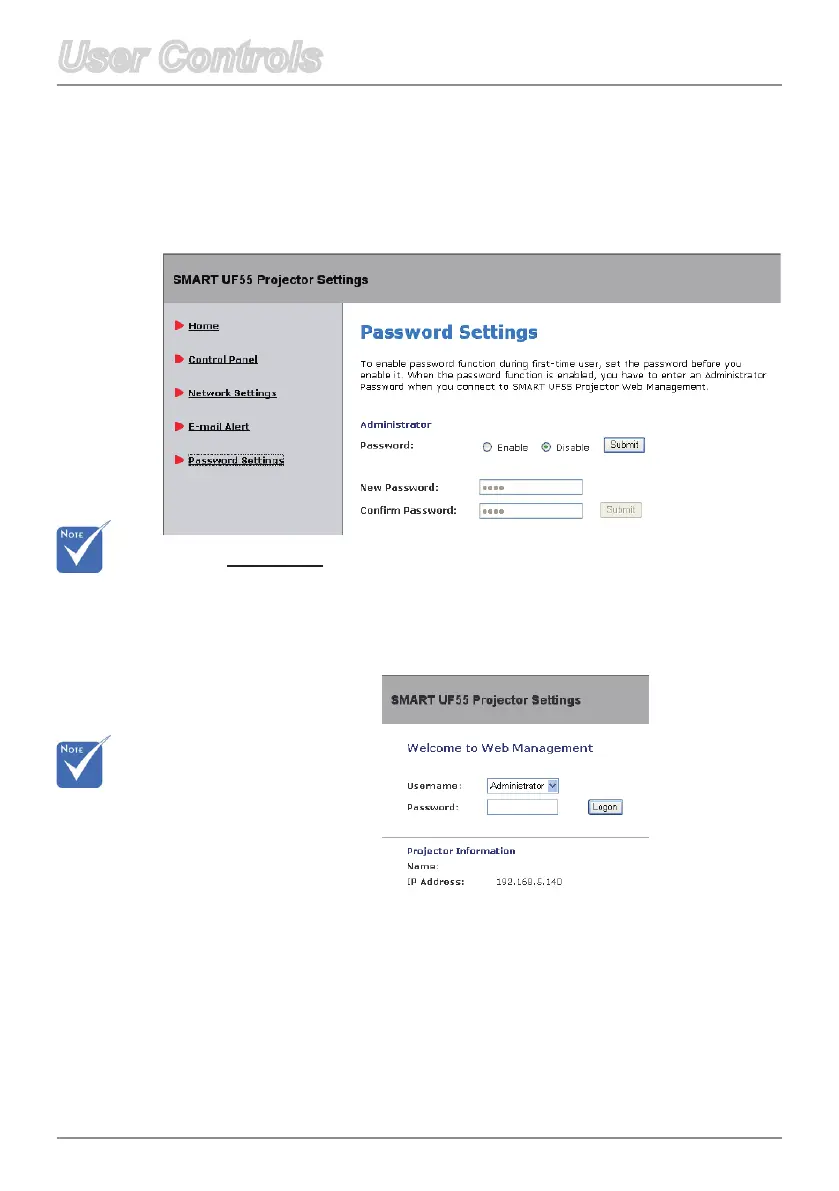
Password Settings
Password
Select Enable to enter a password for access to Web
Management.
Whenthepasswordfunctionisenabled,theadministratorpass
-
word will be required to access Web Management.
Select Disable to be able to turn on the projector without a
password.
This projector provides a security function that allows the administrator to
manage usage for the projector.
The Password Settings allow you to enable the Administrator Password
function.
First Time:
The Password is 4
digits,defaultvalue
is “1234”.
If you can’t
remember your
password,please
refer to Password
Reminder on page
23.



 To Next Page