English 18
User Controls
User Controls
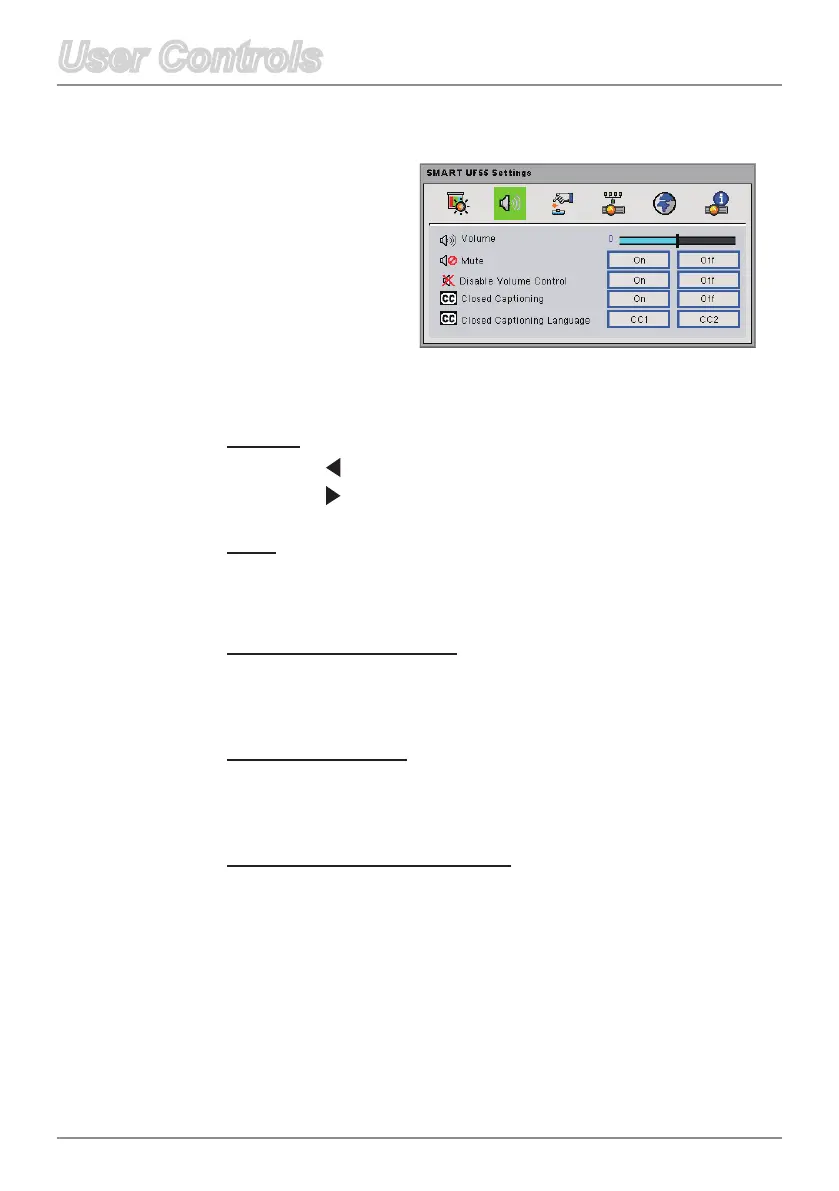
Volume
Press on the remote control to decrease the volume.
Press on the remote control to increase the volume.
Mute
Select On to mute the sound.
Select Off to turn off mute.
DisableVolumeControl
Select On to disable the volume adjustment.
Select Off to enable the volume adjustment.
Closed Captioning
Select On to turn on closed captions.
Select Off to turn off the captioning feature.
Closed Captioning Language
Choose the closed captioning language. This feature is only
supported in CC1 or CC2 mode.
CC1 language: American English.
CC2language(dependingontheTVchanneloftheuser):
Spanish,French,Portuguese,German,Danish.
Audio
Control



 To Next Page