English 34
User Controls
User Controls
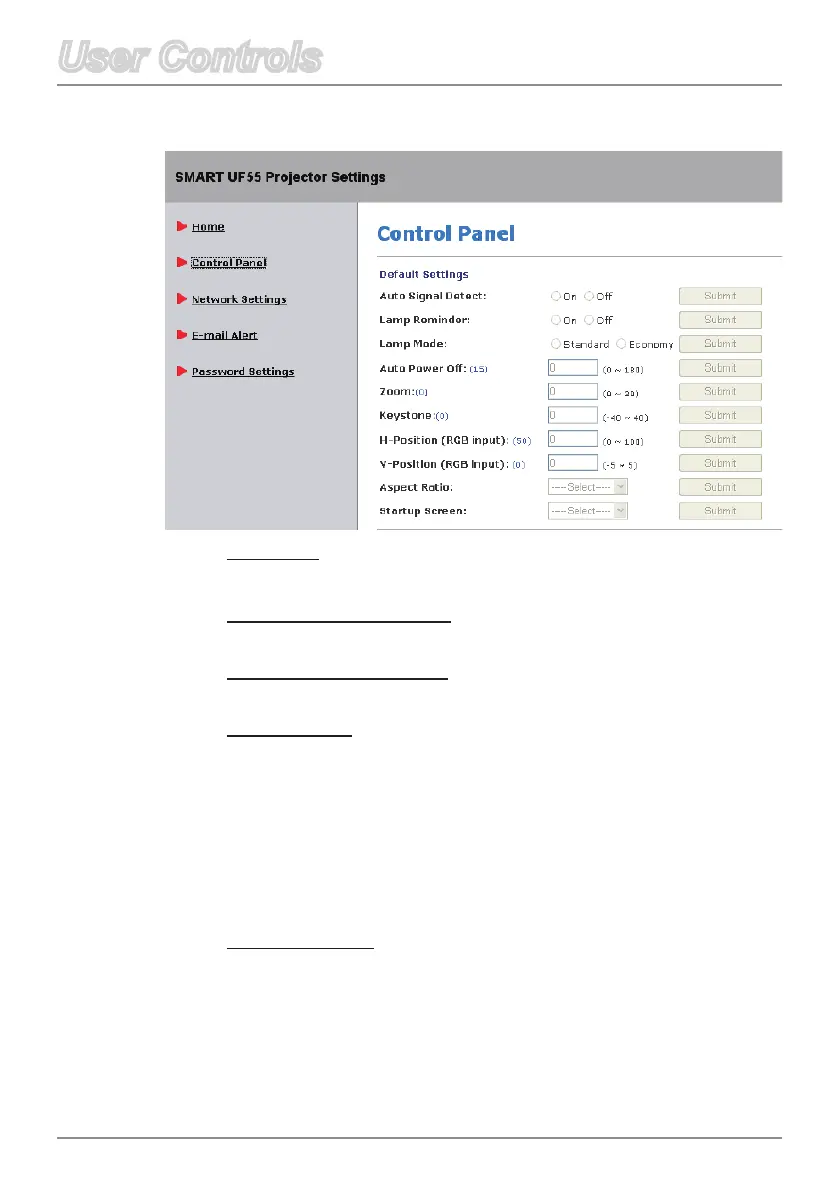
Control Panel
Keystone
Adjust the image distortion vertically and make a squarer image.
H-Position (RGB input)
Adjust the image to move left or right.
V-Position(RGBinput)
Adjust the image to move up or down.
Aspect Ratio
Selectoneofthefollowingaspectratiostodenehowtheimage
appears:
FillScreen:Theinputsourcescalestotthefullsizeof
projection area.
Match Input: The original input source’s aspect ratio is used.
16:9:Usethisformatfor16:9inputsources,suchasHDTVand
DVDsenhancedforwidescreenTV.
Startup Screen
Use this function to select your desired startup screen. If you
changethissetting,whenyouexittheOSDmenu,thenewsetting
takes effect the next time you open the OSD open.
SMART: The default startup screen.
User: Uses the saved picture from the “Capture User Startup
Screen” function.



 To Next Page