35 English
User Controls
User Controls
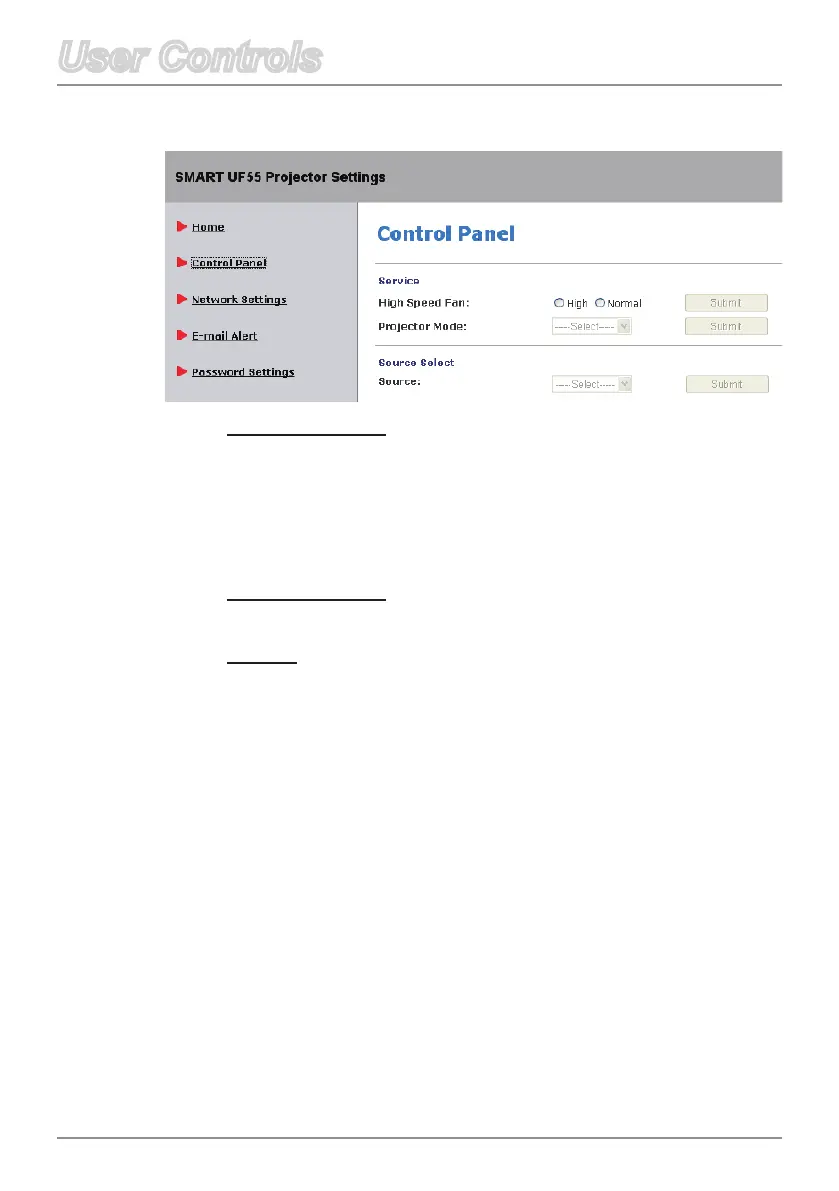
Control Panel
High Speed Fan
Adjust the rotational speed of the projector’s fan.
Select HIGH to rotate the projector’s fan at high speed if
the projector’s temperature is high or if the location is above
6000 ft. altitude.
Select NORMAL to use the normal rotational speed.
Projection Mode
Selecttheprojectionmode(Front,Ceiling,RearorRearCeiling).
Source
Selecttheinputsource(VGA-1,VGA-2,CompositeorS-Video).



 To Next Page