21 English
User Controls
User Controls
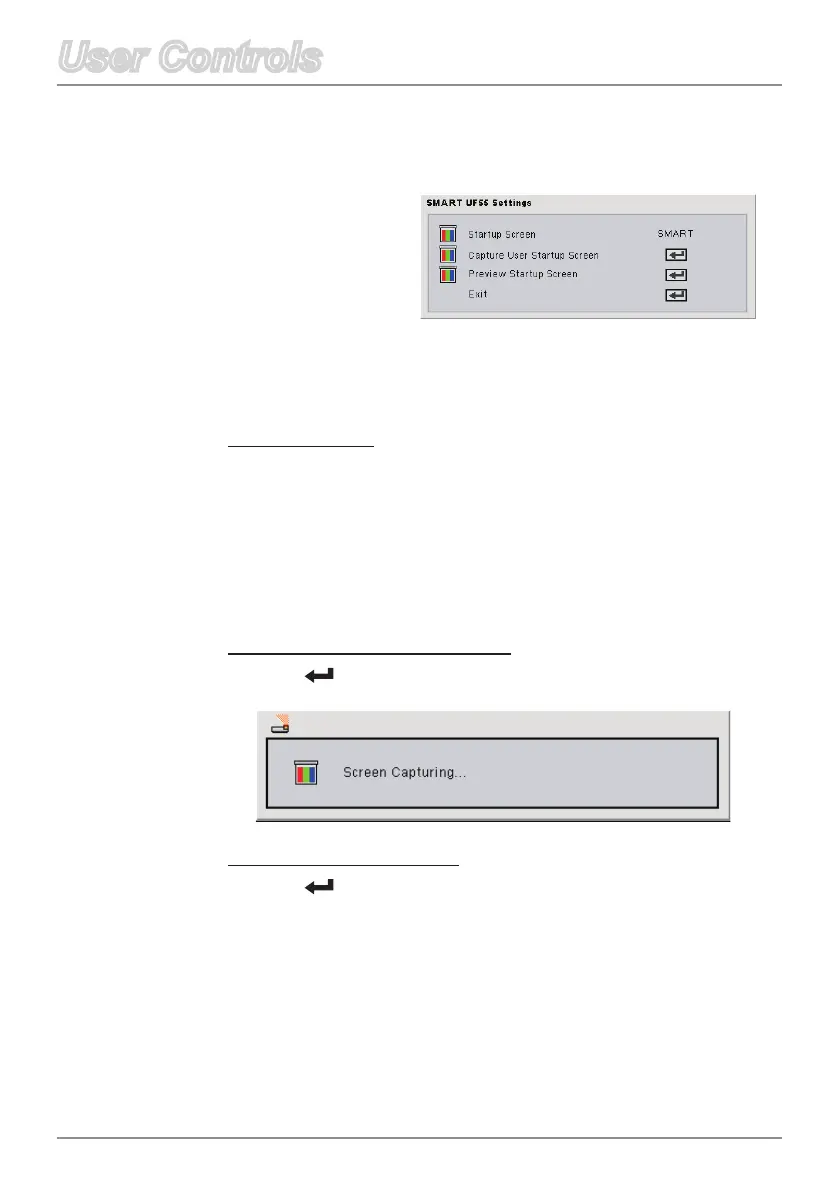
Startup Screen
Use this function to select your desired startup screen. If you
changethissetting,whenyouexittheOSDmenu,thenewsetting
takes effect the next time you open the OSD open.
SMART: The default startup screen.
User: Uses the saved picture from the “Capture User Startup
Screen” function.
Capture User Startup Screen
Press on the remote control to capture a picture of the display
screen.
Preview Startup Screen
Press on the remote control to preview the user startup screen
on the display screen.
Default Settings
Startup Screen



 To Next Page