English 38
User Controls
User Controls
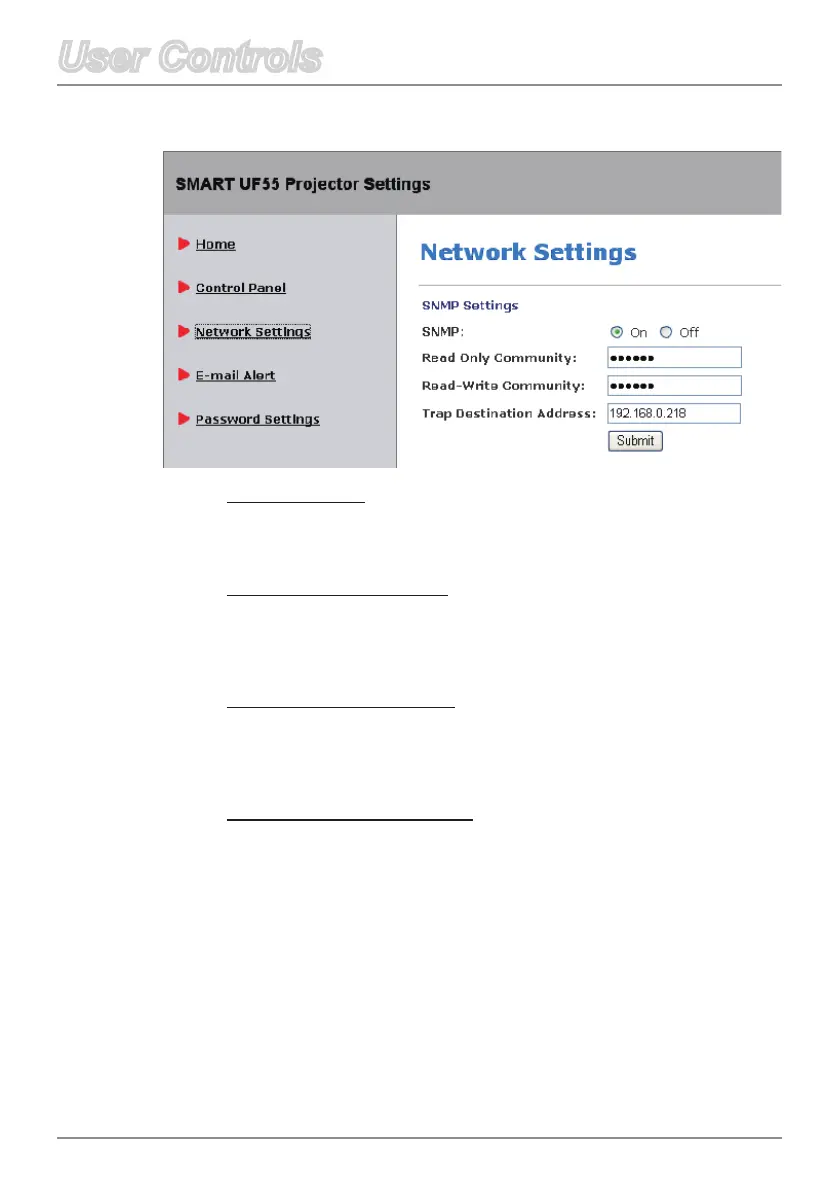
SNMP Enable
Select On to enable SNMP MIB function.
Select Off to disable SNMP MIB function.
Read Only Community
The Read Only Community string is like a password. It is sent
along with each SNMP Get-Requst and allows access to device.
The default Read Only Community string is “public”.
Read-Write Community
The Read-Write Community string is like a password. It is sent
along with each SNMP Set-Requst and allows access to device.
The default Read-Write Community string is “public”.
Trap Destination Address
AllowsyoutodenetheTrap Destination Address of the
projector.
Network Settings



 To Next Page