FlashRunner Cube User’s Manual
13
1
For details and pinout of the various connectors, see the “Connectors”
chapter on page 59.
LEDs
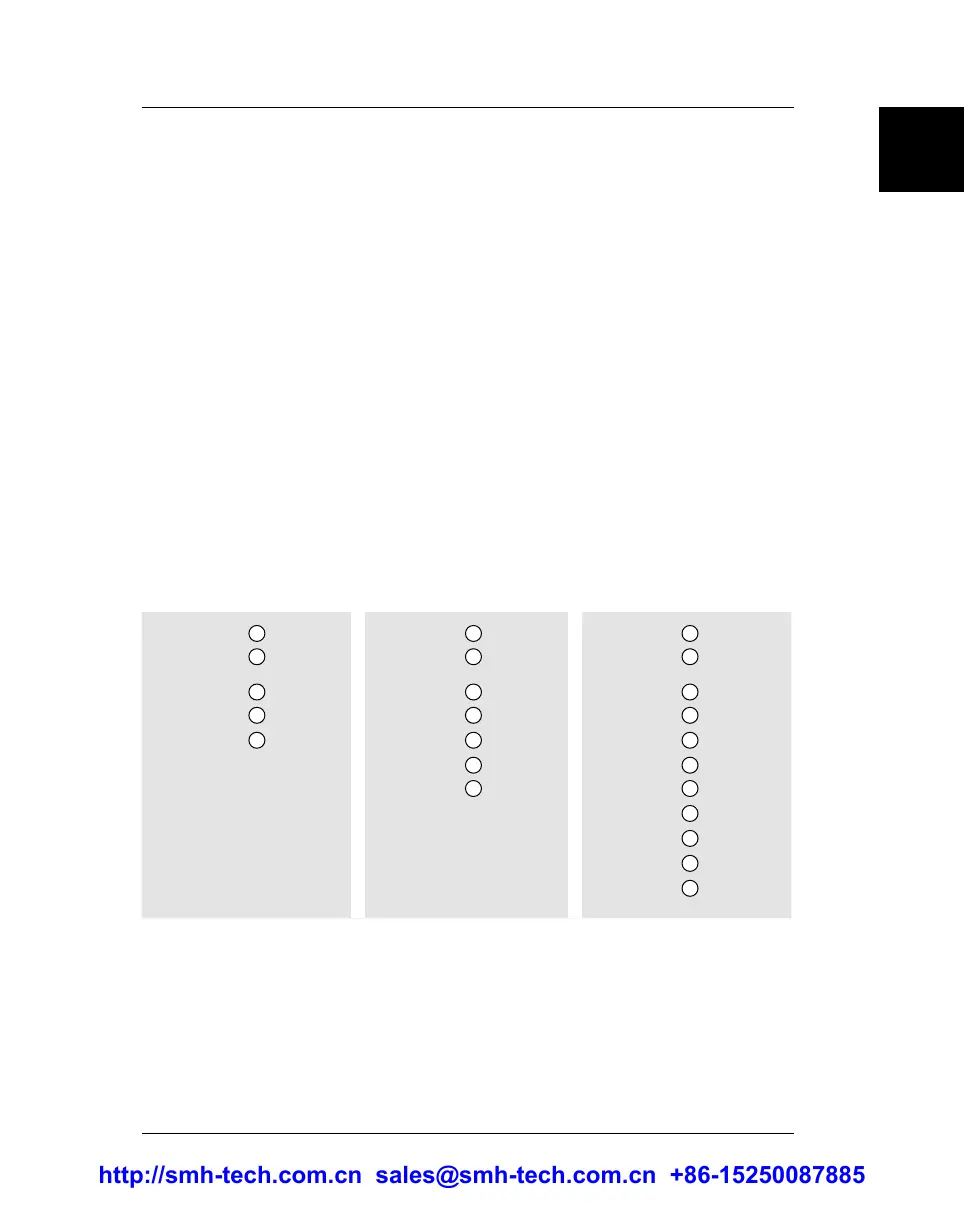
The LEDs on the top cover of the instrument, from top to bottom, indicate:
1. POWER: the instrument is turned on.
2. STATUS: indicates system warnings. Normally off, blinks if the
system needs user action (to retrieve detailed error information,
see “Status Commands” on page 34)
3. BUSY: turns on when programming (when a programming
project is being executed).
4. PASS/FAULT: result of programming. Each programming site has an
PASS/FAULT LED, which turns green if programming on that site has
been successful, red otherwise.
FR CUBE GP02 LEDs FR CUBE GP04 LEDs FR CUBE GP08 LEDs
S1 PASS FAULT
FAULT
BUSY
STATUS
PWR ON
S2 PASS
S1 PASS FAULT
FAULT
FAULT
FAULT
BUSY
STATUS
PWR ON
S2 PASS
S3 PASS
S4 PASS
S1 PASS FAULT
FAULT
FAULT
FAULT
FAULT
FAULT
FAULT
FAULT
BUSY
STATUS
PWR ON
S2 PASS
S3 PASS
S4 PASS
S5 PASS
S6 PASS
S7 PASS
S8 PASS
http://smh-tech.com.cn sales@smh-tech.com.cn +86-15250087885


 To Next Page