Getting Started
2
24
9. Startup FR CUBE
Connect FR CUBE to your PC through the provided serial cable.
Finally, power up FR CUBE using the provided power supply.
10. Program the Target Device
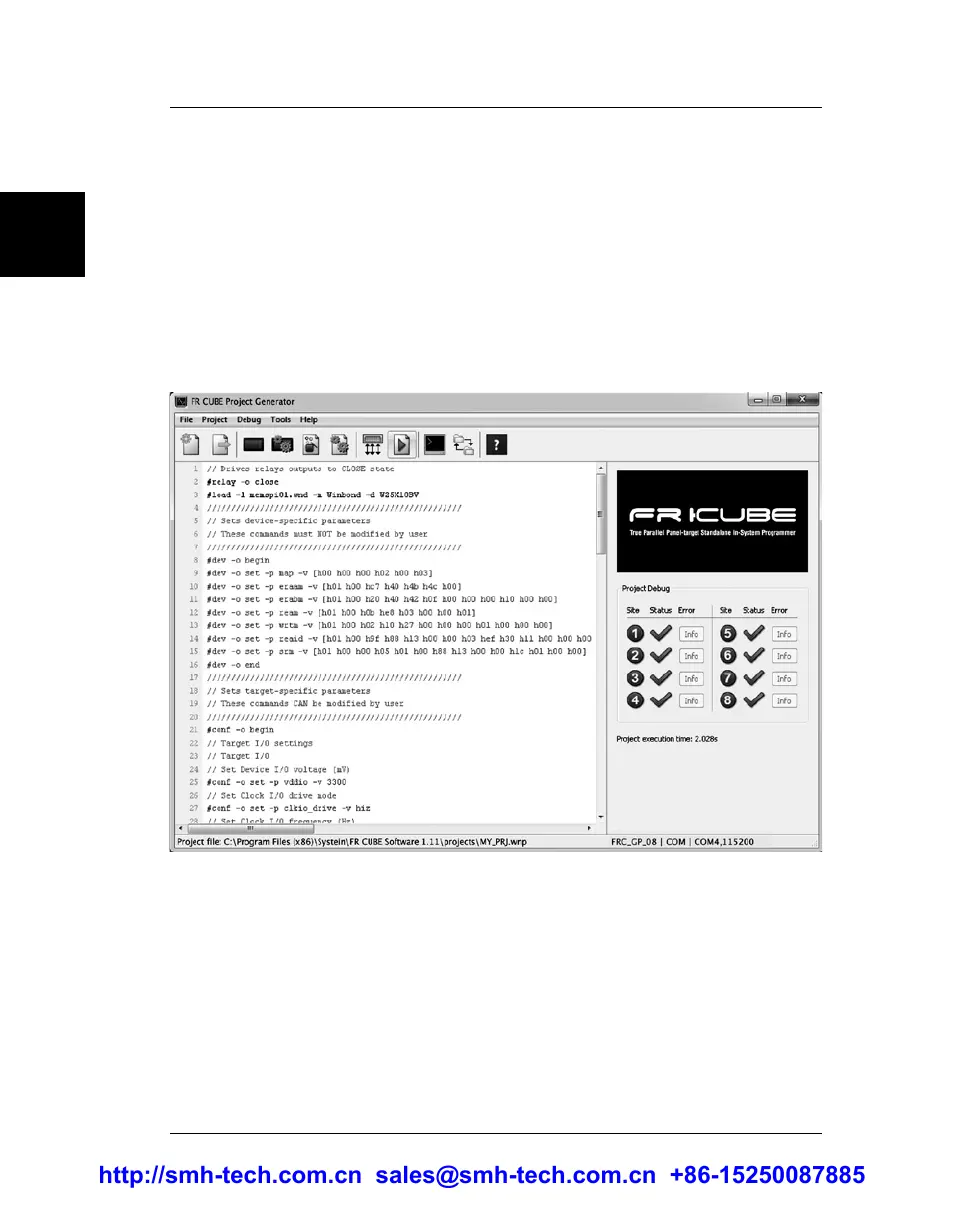
Select Debug > Run Project. The Project file (.wnp) and Image
file (.wni) will be automatically uploaded to FR CUBE and the
project will be executed. Your target device(s) will be
programmed.
In case of programming errors, or to change programming parameters/
operations, you can relaunch the Project Wizard and review the project
settings.
http://smh-tech.com.cn sales@smh-tech.com.cn +86-15250087885


 To Next Page